
CablePeek for Mac
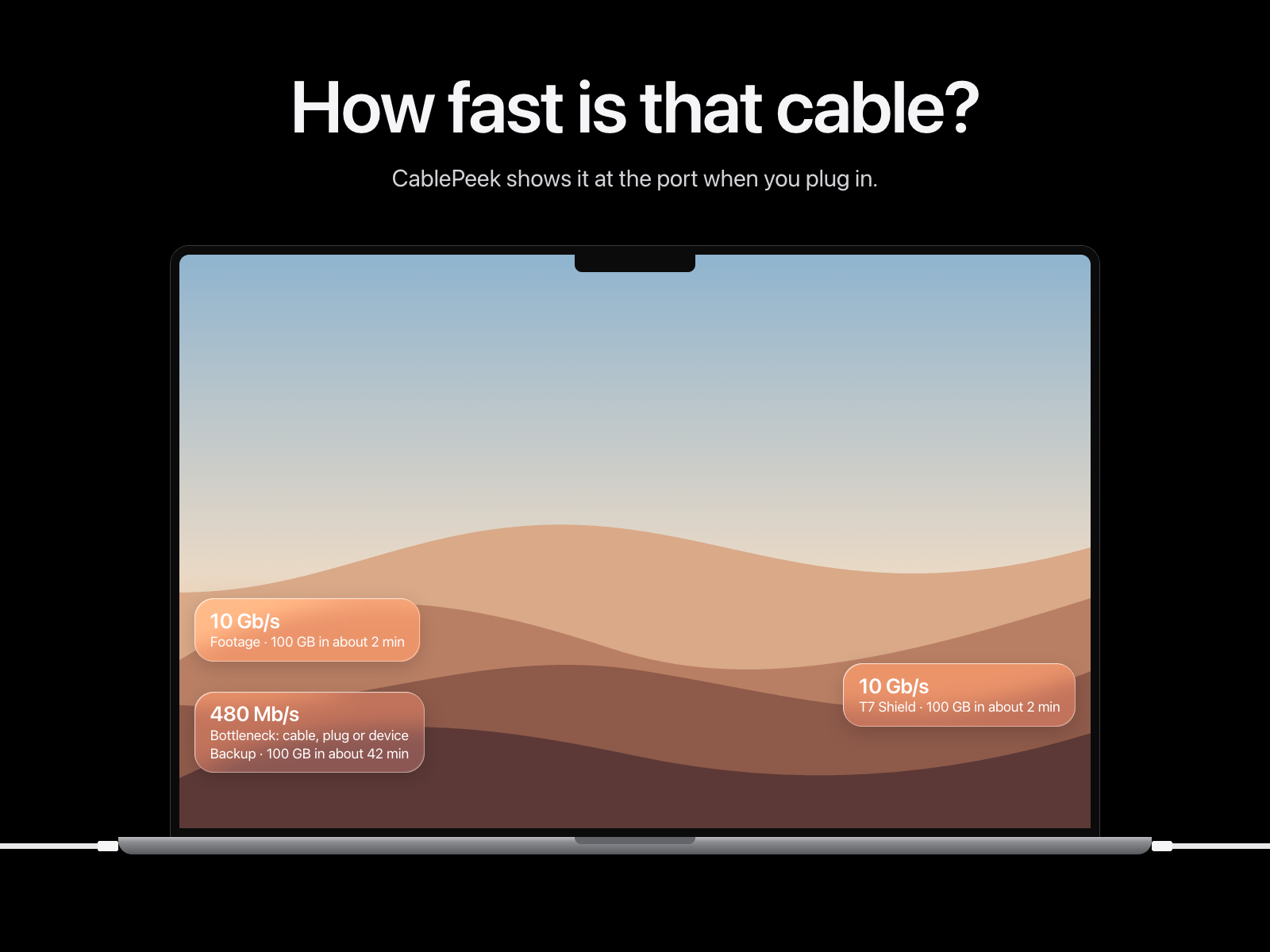
Shows USB-C connection speeds at each port and lets you eject connected drives.
By diegobruegger-prog. Free and open source, MIT licence.
CablePeek at a glance
- Version
- 0.4
- Released
- 25 November 2026
- Download size
- 713 KB
- Works on
- Apple silicon and Intel
- Licence
- MIT
- Category
- Utilities
- Developer
- diegobruegger-prog
- GitHub stars
- 31
About CablePeek
Mac app that shows the USB-C link speed next to the port when you plug in
Screenshots
How to install CablePeek on a Mac
- Get OpenDMG. It is a free app store for open source Mac apps. Download OpenDMG.
- Search for CablePeek and press Get. OpenDMG downloads version 0.4 from diegobruegger-prog's own GitHub release.
- Open it. The download is checked against its SHA-256 fingerprint and its signature is checked on your Mac before it lands in Applications.
Updates to CablePeek show up in OpenDMG and install with one button. No account is needed.
Prefer to do it by hand? The developer's file is on GitHub: CablePeek.zip (713 KB).
What is new in CablePeek 0.4
- Automatic updates, on by default. Once a day and shortly after launch the app asks GitHub for a newer release and installs it. Updates must carry an Ed25519 signature made with a key that is not on GitHub. You can turn this off in the menu. Before 0.4 the app made no network requests, this is now the only one.
- Menu item to buy me a coffee. CablePeek stays free.

If you have 0.1 to 0.3, please download this once by hand. CablePeek-update.zip is the same build, used by the updater.

Apple Silicon, macOS 14 or later. Not signed with a Developer ID and not notarized, macOS warns on first launch.
More Utilities apps
-
 VorssaintAn open-source, free, and local toolkit that integrates functions such as preventing…
-
 BetterDisplayDisplay management tool with HiDPI scaling, PiP, and EDID controls
-
 MosSmooth your mouse's scrolling and reverse the mouse scroll direction
-
 EasydictmacOS instant translator — type/select/screenshot, multi-service, zero setup
-
 OpenHaystackOpen-source tracker for finding Bluetooth devices through Apple's Find My network
-
 OrkasOrkas is an open-source (MIT), local-first AI team for your desktop: a Commander turns…