
Bower for Mac
Window and workspace manager for named layouts across multiple displays.
By truthofmatthew. Free and open source, MIT licence.
Bower at a glance
- Version
- 1.2
- Released
- 9 November 2026
- Download size
- 4.0 MB
- Works on
- Apple silicon and Intel
- Licence
- MIT
- Category
- Windows and Keyboard
- Developer
- truthofmatthew
- GitHub stars
- 7
About Bower
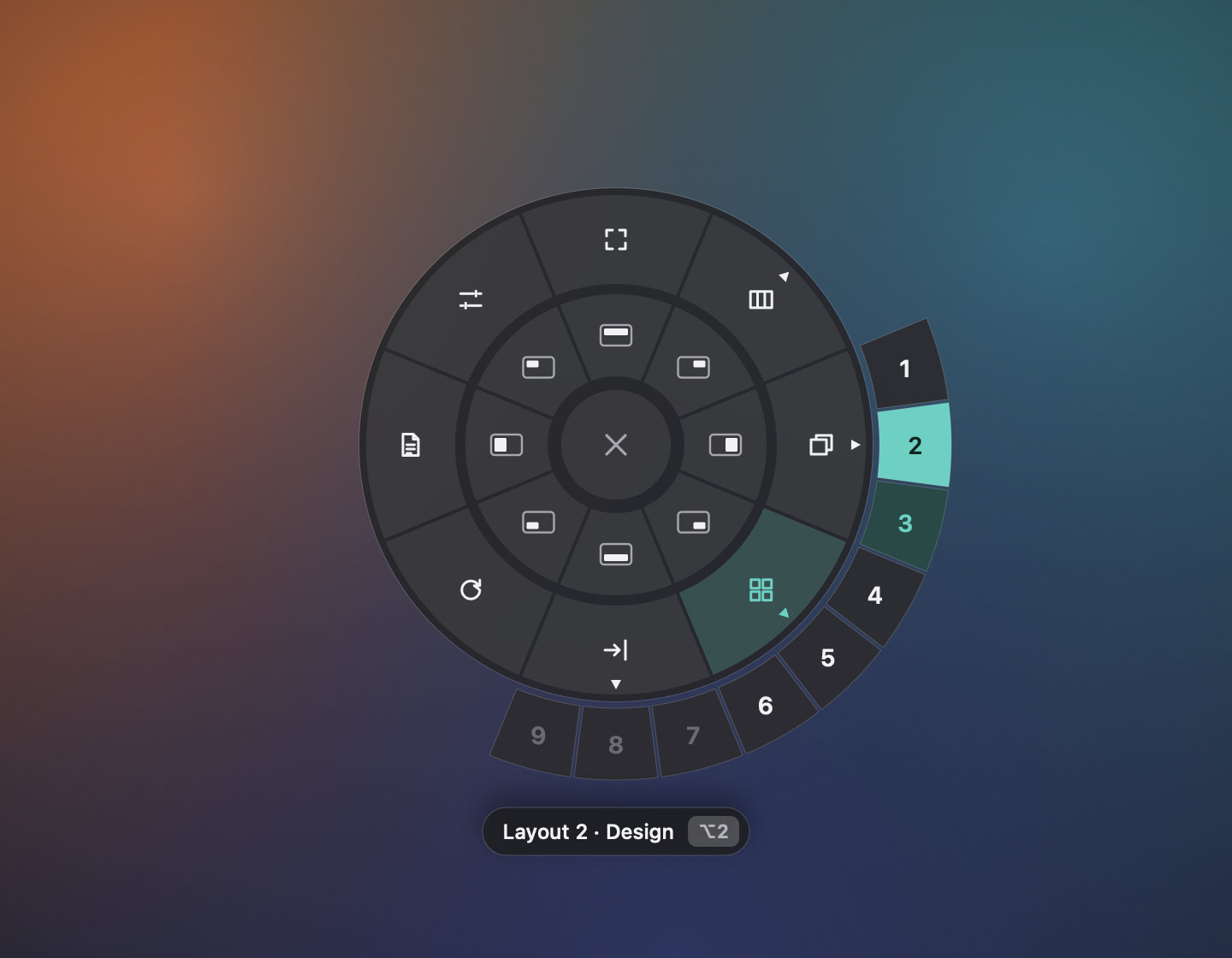
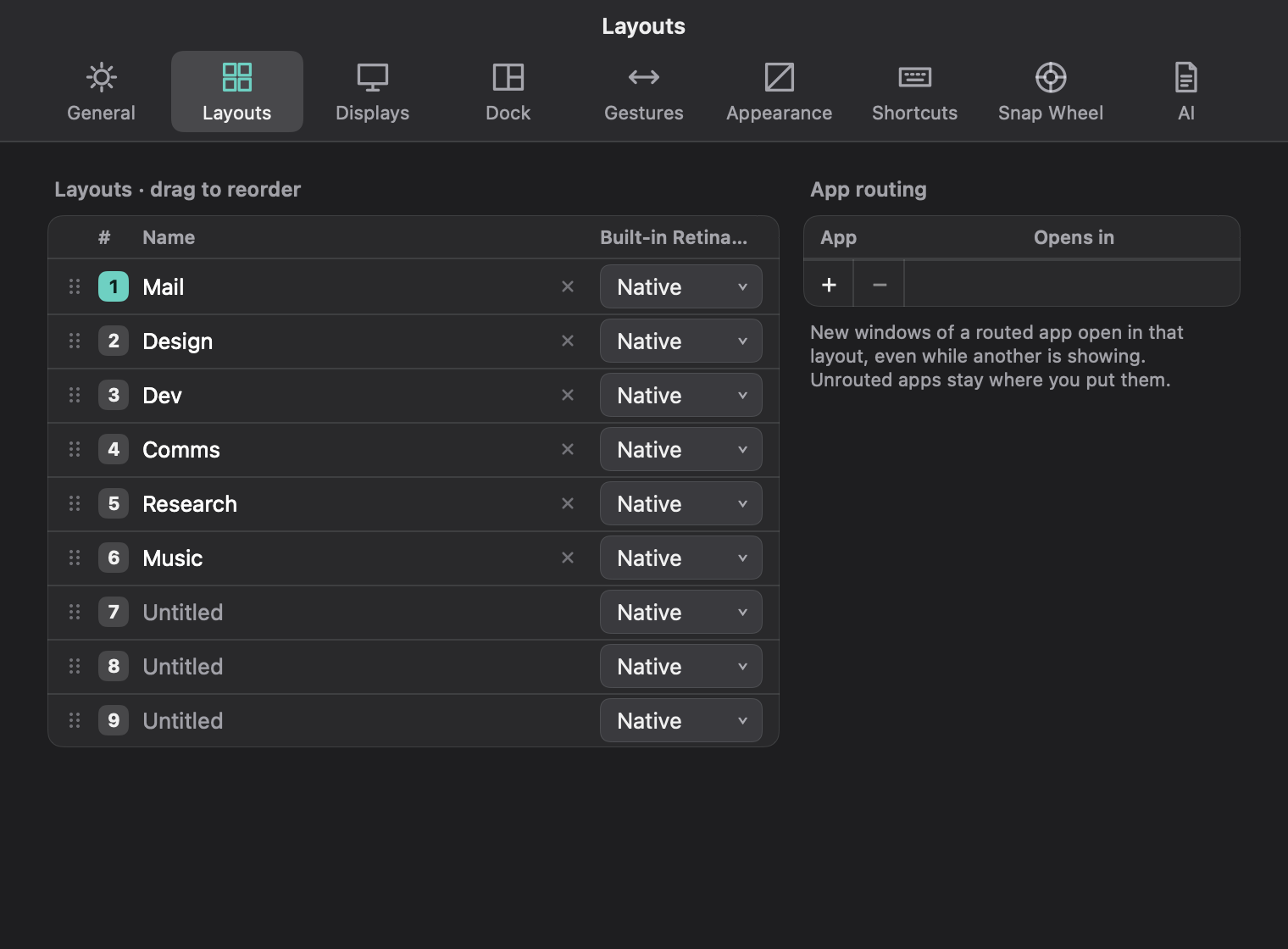
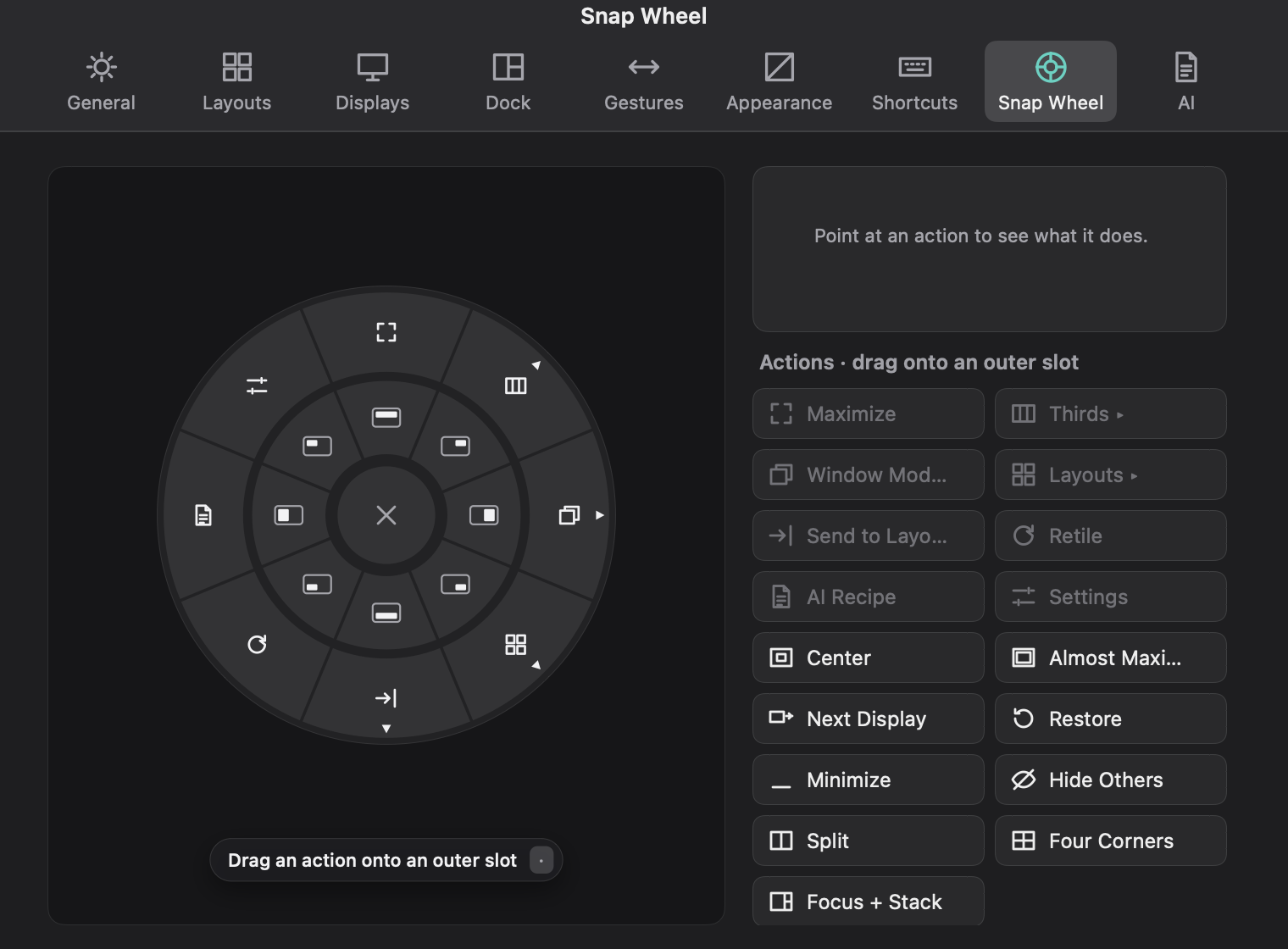
A native window and workspace manager for macOS: named layouts across every display, switched with ⌥1–9. Snapping, a radial Snap Wheel, Bento and Tabs modes, Workspaces and AI Recipes.
Screenshots

How to install Bower on a Mac
- Get OpenDMG. It is a free app store for open source Mac apps. Download OpenDMG.
- Search for Bower and press Get. OpenDMG downloads version 1.2 from truthofmatthew's own GitHub release.
- Open it. The download is checked against its SHA-256 fingerprint and its signature is checked on your Mac before it lands in Applications.
Updates to Bower show up in OpenDMG and install with one button. No account is needed.
Prefer to do it by hand? The developer's file is on GitHub: Bower.zip (4.0 MB).
What is new in Bower 1.2
Give every project its own desk, and switch the whole desk with ⌥1–9. Free, for macOS 14 Sonoma and later.

## Install

1. Download **Bower.zip** below and open it.
2. Drag **Bower** into your Applications folder and open it.
3. The first time, macOS says it can't check Bower for malicious software, because this build isn't notarized by Apple yet. Choose **Done**, then open **System Settings › Privacy & Security**, scroll down and click **Open Anyway** next to Bower. You only do this once.
4. The welcome window asks for Accessibility, which Bower needs to move and resize windows. Screen Recording is optional: it only shows window pictures in the overview.

Already have Bower? Quit it, replace the app in Applications, and open it again. Your layouts and settings stay.

## New in 1.2

- **Move and size from the keyboard.** ⌃⌥⇧ and an arrow swaps a window with its neighbour. ⌃⌥W and ⌃⌥⇧W step its width through ½, ⅔, 90% and full. ⌃⌥C centres it, ⌃⌥B puts windows back after an app moved them, and ⌃⌥M sends one to your other display. H J K L work as arrows with the focus and move keys.
- **Focus ring.** An optional line or soft glow around the window you're typing in (Settings › Appearance).
- **Keep space free** along any screen edge for a widget bar (Settings › Dock).
- **Bower's own windows** can be Light, Dark or Automatic.
…
More Windows and Keyboard apps
-
 RectangleRectangle is a window manager heavily based on Spectacle, written in Swift
-
 AeroSpaceAeroSpace is an i3-like tiling window manager for macOS
-
 AmethystAutomatic tiling window manager for macOS
-
 LoopWindow management made elegant
-
 OmniWMA Flexible and Modern Tiling Window Manager
-
 FlashSpaceEnhance and replace the native Spaces functionality of macOS