

AutoWindow for Mac
Menu bar app that restores window layouts based on display setups and Mission Control spaces.
By Carpe-Futurum. Free and open source, MIT licence.
AutoWindow at a glance
- Version
- 0.1.2
- Released
- 25 November 2026
- Download size
- 889 KB
- Works on
- Apple silicon and Intel
- Licence
- MIT
- Category
- Windows and Keyboard
- Developer
- Carpe-Futurum
- GitHub stars
- 0
About AutoWindow
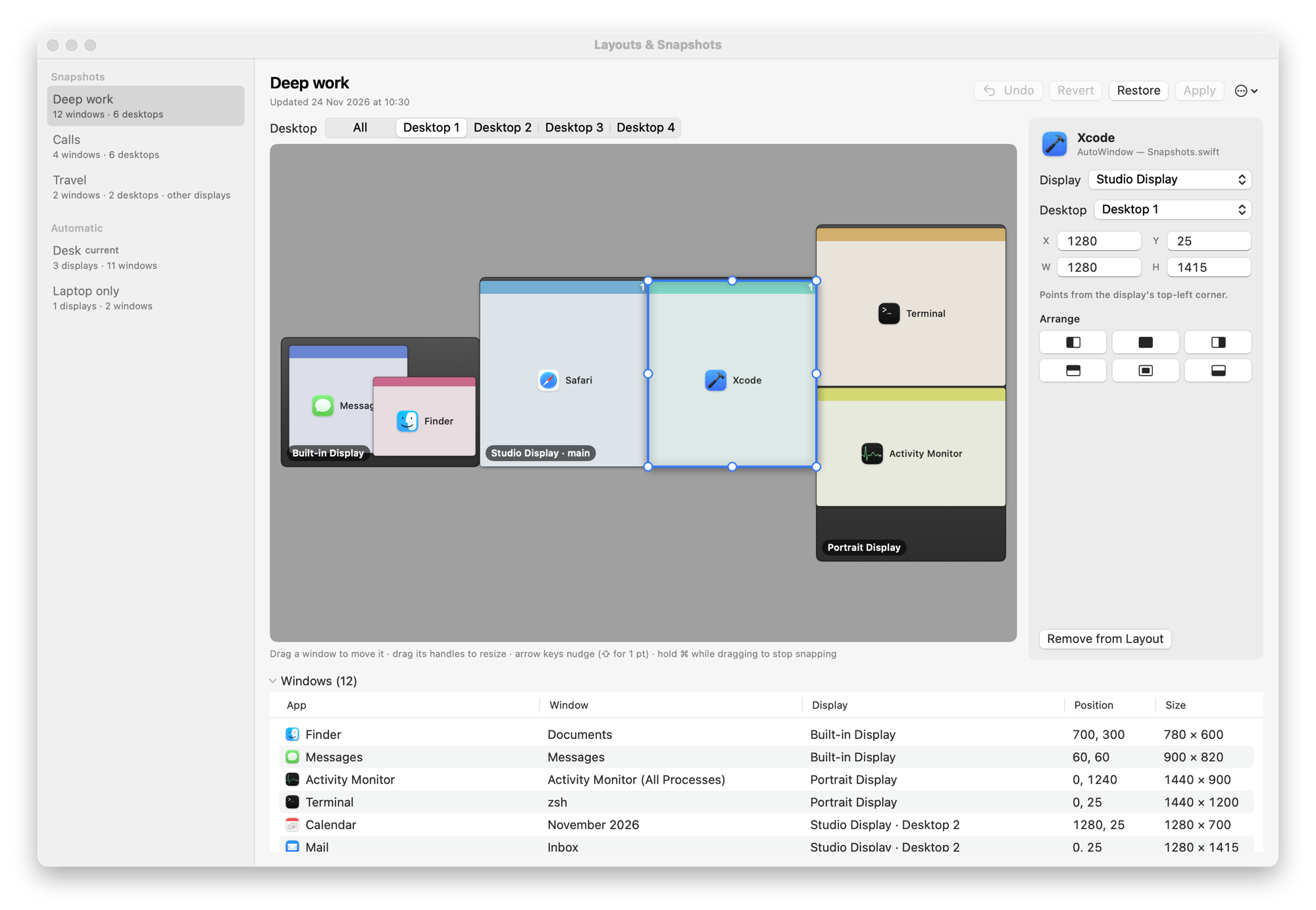
macOS menu bar app that remembers where your windows go, on every monitor and every desktop (Space), and puts them back
Screenshots
How to install AutoWindow on a Mac
- Get OpenDMG. It is a free app store for open source Mac apps. Download OpenDMG.
- Search for AutoWindow and press Get. OpenDMG downloads version 0.1.2 from Carpe-Futurum's own GitHub release.
- Open it. The download is checked against its SHA-256 fingerprint and its signature is checked on your Mac before it lands in Applications.
Updates to AutoWindow show up in OpenDMG and install with one button. No account is needed.
Prefer to do it by hand? The developer's file is on GitHub: AutoWindow-0.1.2.zip (889 KB).
What is new in AutoWindow 0.1.2
## What's new
- **Restoring a snapshot brings back minimized and hidden windows.** Windows you minimized since saving come out of the Dock, and apps you hid (⌘H) are shown again, each at its saved position. Apps that were hidden when you saved stay hidden. Windows that are minimized when you save are still left out.
- **Tooltips** on the menu's buttons and checkboxes.

## Install
1. Download `AutoWindow-0.1.2.zip` below and open it.
2. Drag **AutoWindow** to Applications, replacing the old one, and open it.

Requires macOS 14 Sonoma or later. Runs on Apple silicon and Intel. Signed with a Developer ID and notarized by Apple. Your layouts and snapshots are kept.

SHA-256 of the zip: `958348c22da1ba394aa529746fc22abc2a49769707b09ebfb13062961611a211`
More Windows and Keyboard apps
-
 RectangleRectangle is a window manager heavily based on Spectacle, written in Swift
-
 AeroSpaceAeroSpace is an i3-like tiling window manager for macOS
-
 AmethystAutomatic tiling window manager for macOS
-
 LoopWindow management made elegant
-
 OmniWMA Flexible and Modern Tiling Window Manager
-
 FlashSpaceEnhance and replace the native Spaces functionality of macOS