

Apple Notes Exporter for Mac
Bulk exporter for Apple Notes.
By kzaremski. Free and open source, GPL-3.0 licence.
Apple Notes Exporter at a glance
- Version
- 2.1
- Released
- 15 September 2026
- Download size
- 11 MB
- Works on
- Apple silicon and Intel
- Licence
- GPL-3.0
- Category
- Productivity
- Developer
- kzaremski
- GitHub stars
- 733
About Apple Notes Exporter
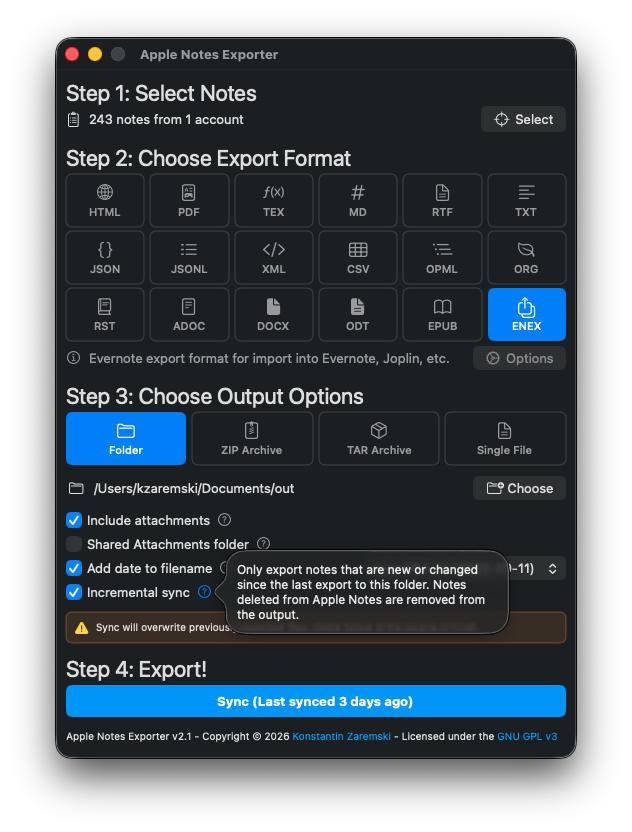
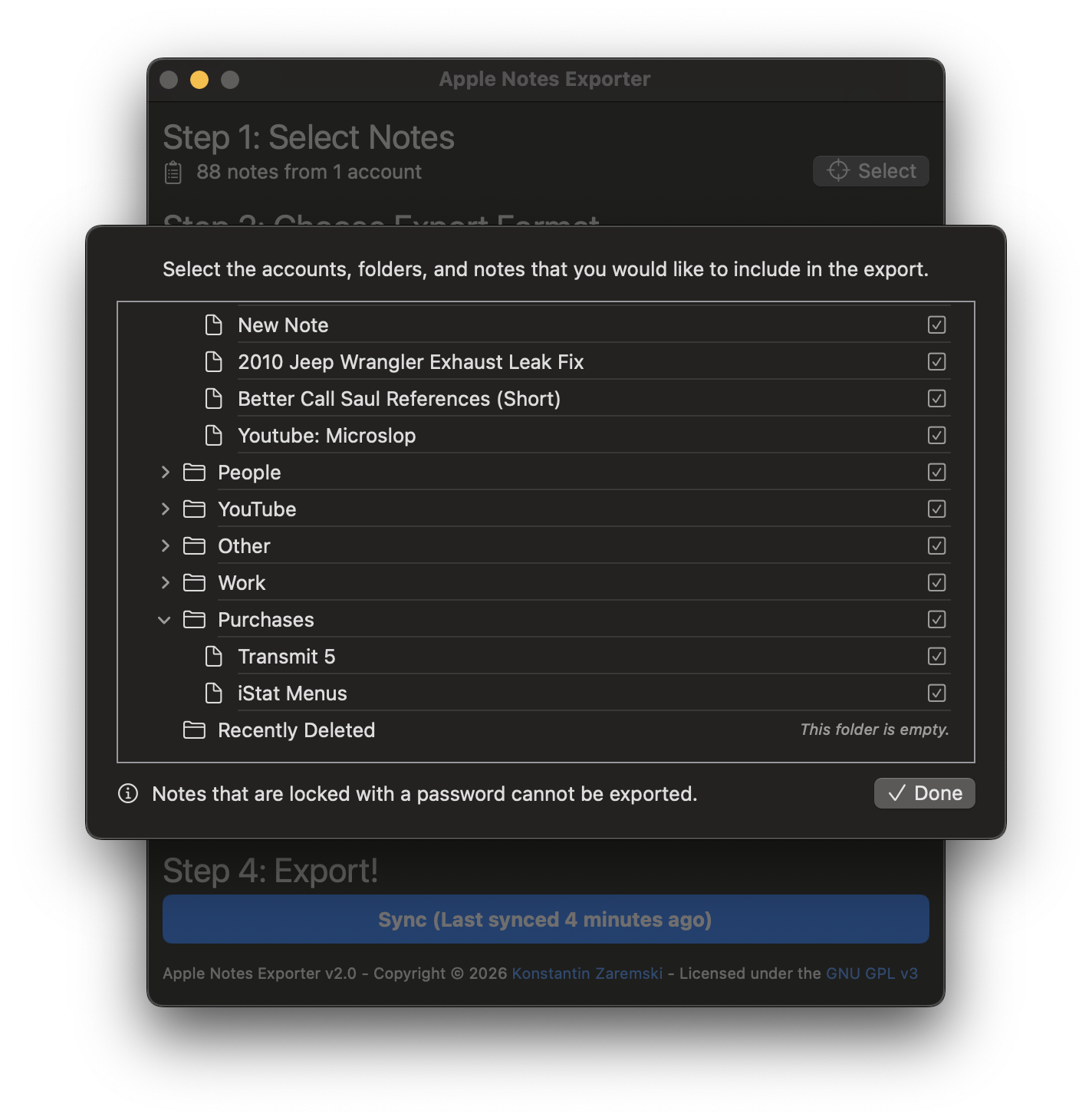
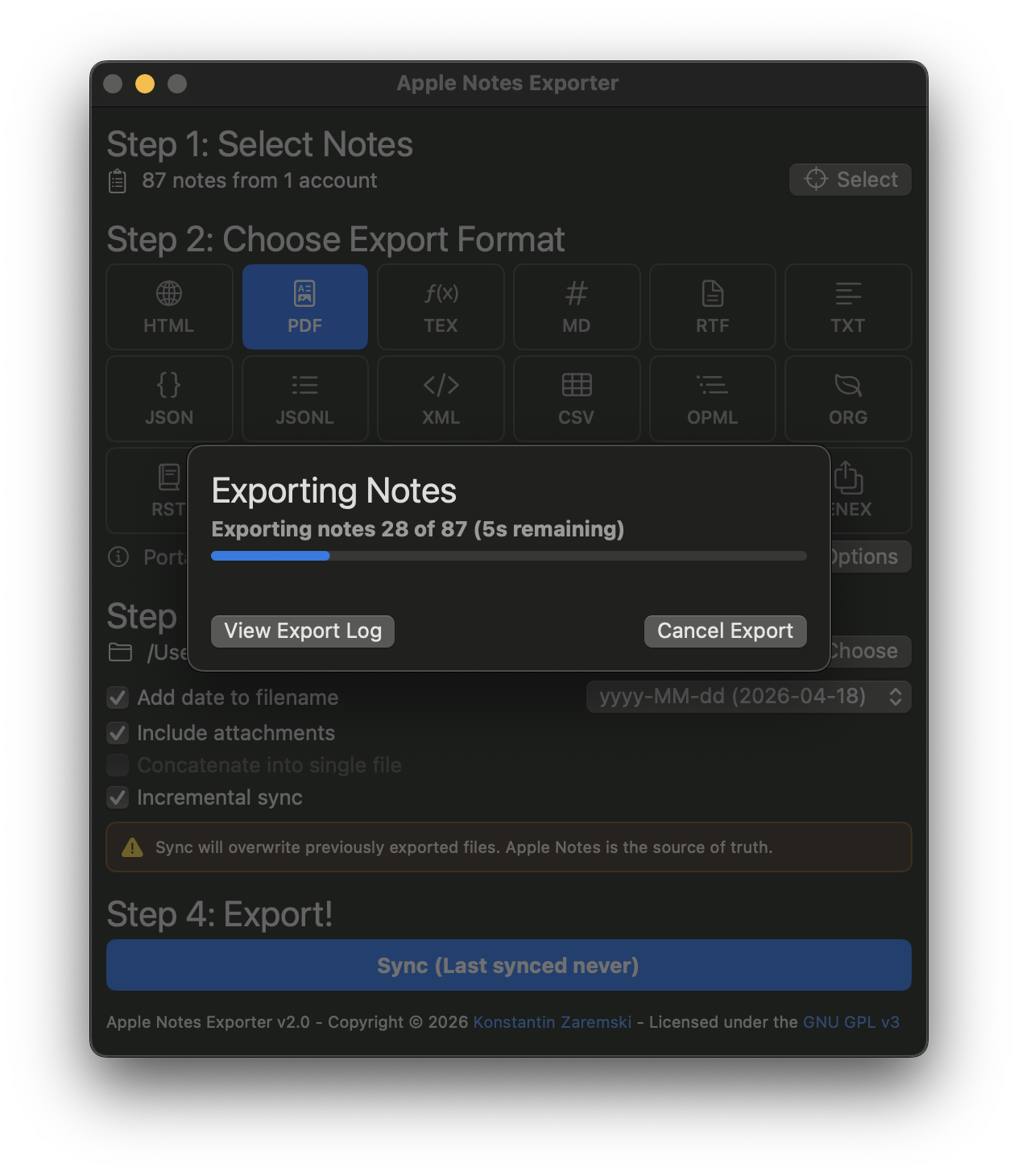
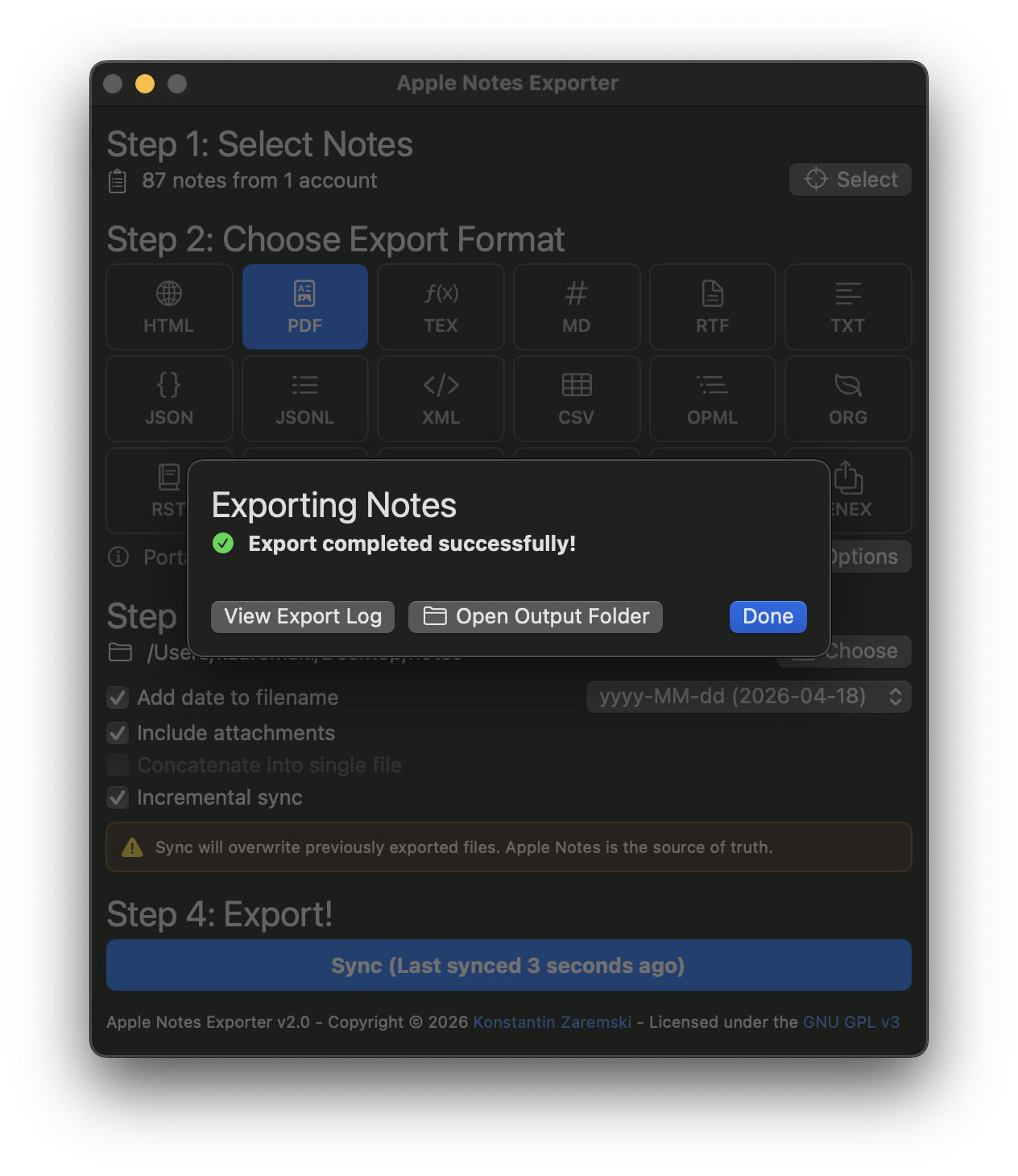
MacOS app written in Swift that bulk exports Apple Notes (including iCloud Notes) to a multitude of formats preserving note folder structure.
Screenshots
How to install Apple Notes Exporter on a Mac
- Get OpenDMG. It is a free app store for open source Mac apps. Download OpenDMG.
- Search for Apple Notes Exporter and press Get. OpenDMG downloads version 2.1 from kzaremski's own GitHub release.
- Open it. The download is checked against its SHA-256 fingerprint and its signature is checked on your Mac before it lands in Applications.
Updates to Apple Notes Exporter show up in OpenDMG and install with one button. No account is needed.
Prefer to do it by hand? The developer's file is on GitHub: AppleNotesExporter_v2.1.zip (11 MB).
What is new in Apple Notes Exporter 2.1
## v2.1 - Pick how your export is delivered, and trust what comes out

Every export now goes where you want it in the shape you want it: a folder tree, a `.zip`, a `.tar`, or one joined file. Alongside that, this release is heavily about correctness; the CLI, MCP server and Shortcuts actions each carried their own copy of the export logic, and this release makes them one engine, fixing a long list of things that were silently wrong in some surfaces but not others.

### Output destinations
- **Folder, ZIP Archive, TAR Archive, or Single File.** Step 3 now picks how the export is delivered. Each lets you name the file, and creation and modification dates are preserved inside archives.
- The CLI takes `--zip`, `--tar` and `--concatenate`, with an `--output` that may name the archive or the file directly.
- **Single File works for 14 formats, not 2.** The GUI previously offered it for Markdown and plain text only, though it could always produce the rest. Packaged formats (PDF, DOCX, ODT, EPUB) are excluded, and the CLI now refuses them instead of writing a DOCX into a text file.

### CLI
- **Real folder selection.** `--folder` takes an exact name **or** a folder id, can be repeated or comma-separated, and includes subfolders by default. `--folder-contains` restores substring matching; `--no-subfolders` limits a selection to direct children.
…
More Productivity apps
-
 MaccyLightweight search-as-you-type clipboard manager
-
 AltTabBrings the Windows Alt-Tab functionality to macOS
-
 ClipyClipy is a Clipboard extension app for macOS
-
 TinycastLightweight native launcher with app search, clipboard management, window controls, and…
-
 FSNotesNotes manager for macOS/iOS: modern notational velocity (nvALT) on steroids
-
 OpenDisplayTurn spare Apple devices into second monitors — true extended display over USB or WiFi