

Annotator for Mac
On-screen annotation app for demos, reviews, and lessons, with editable marks.
By dorlugasigal. Free and open source, Apache-2.0 licence.
Annotator at a glance
- Version
- 0.3.2
- Released
- 2 November 2026
- Download size
- 9.6 MB
- Works on
- Apple silicon and Intel
- Licence
- Apache-2.0
- Category
- Graphics and Design
- Developer
- dorlugasigal
- GitHub stars
- 17
About Annotator
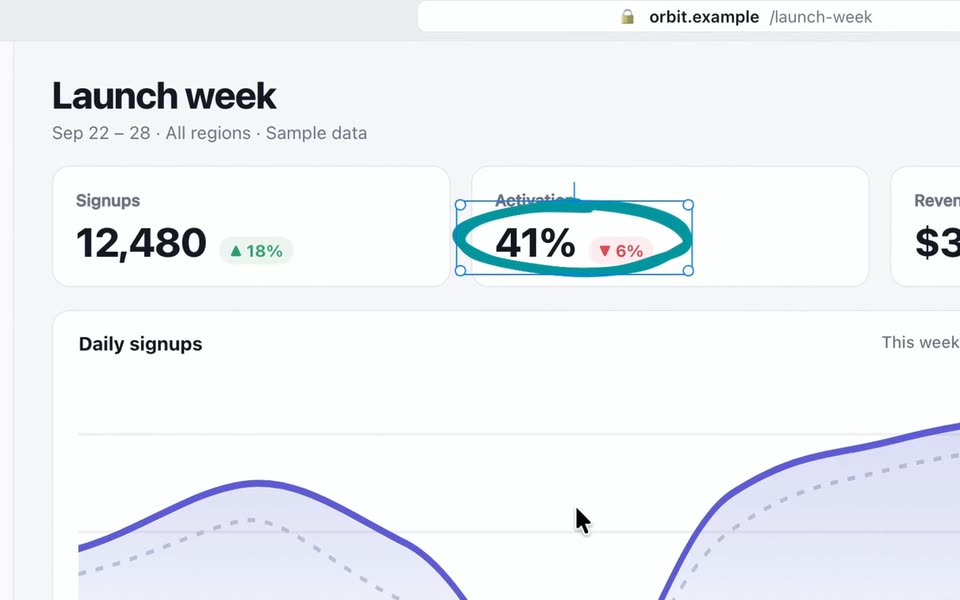
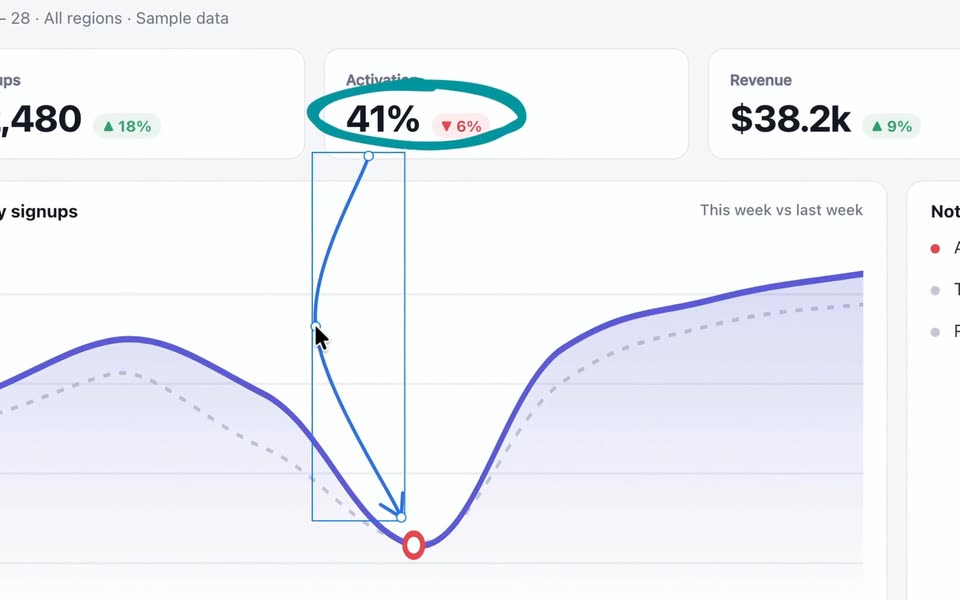
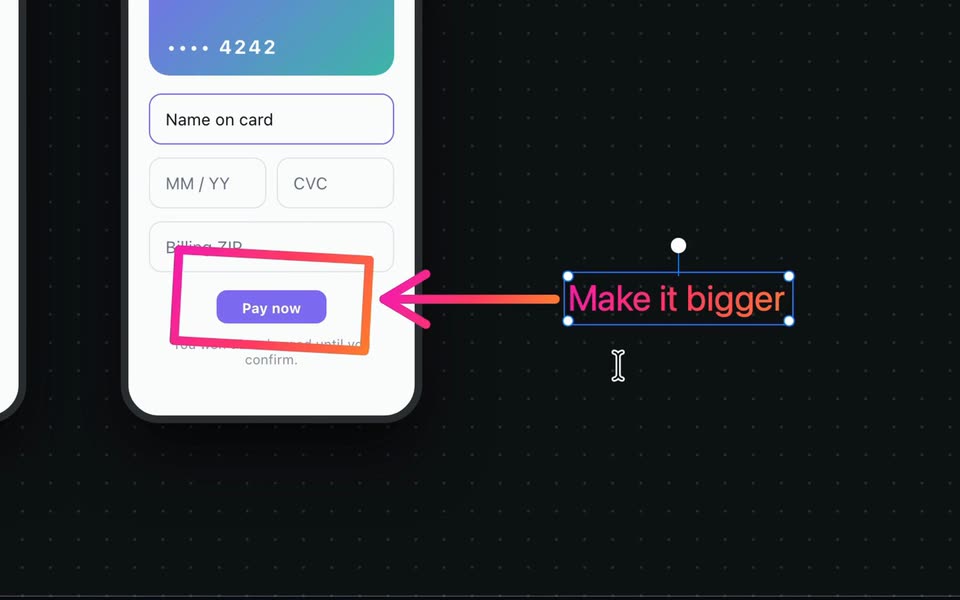
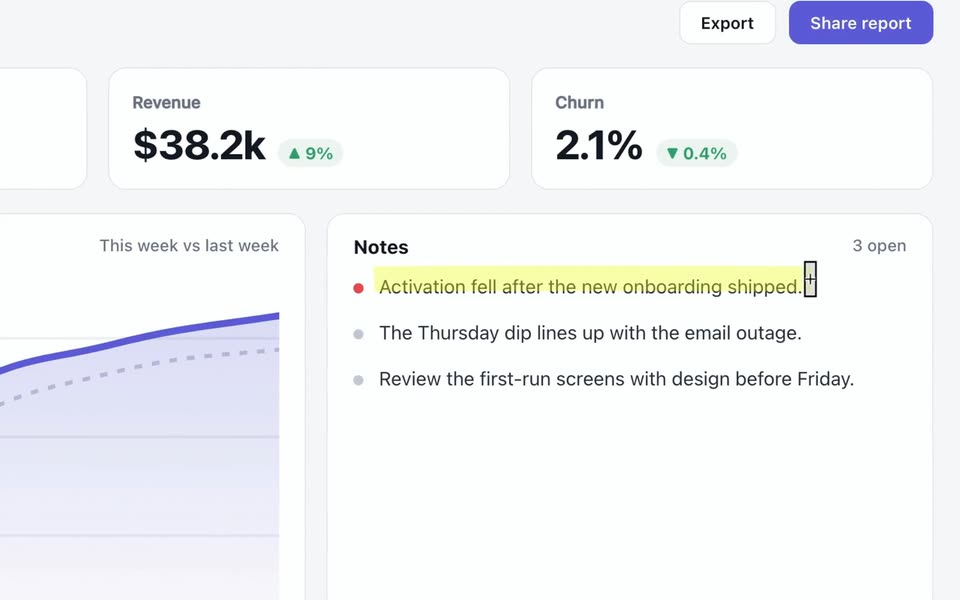
Draw on your screen as you explain. Native apps for macOS and Windows. Free and open source.
Screenshots
How to install Annotator on a Mac
- Get OpenDMG. It is a free app store for open source Mac apps. Download OpenDMG.
- Search for Annotator and press Get. OpenDMG downloads version 0.3.2 from dorlugasigal's own GitHub release.
- Open it. The download is checked against its SHA-256 fingerprint and its signature is checked on your Mac before it lands in Applications.
Updates to Annotator show up in OpenDMG and install with one button. No account is needed.
Prefer to do it by hand? The developer's file is on GitHub: annotator-0.3.2-universal.dmg (9.6 MB).
What is new in Annotator 0.3.2
## 0.3.2 - 2026-11-02

### Fixed

- On a Mac with a non-Latin keyboard layout, such as Hebrew, Command-Z and other Command shortcuts now work. Before, they did nothing unless you switched to an English layout.
- A toolbar you moved away from the screen's edge now shrinks to one button in its middle, and opens again from there. Before, the button went to the toolbar's left end.

### Known limits

- Effects don't follow windows that move or content that scrolls, and blur is not secure redaction. Remove private details before you share.
- Anything inside a shared region can show up in your meeting, including notifications.
- Choosing a different area or changing your displays turns region sharing off. Check the outline before you start it again.
- In the Shared Region window, the spotlight turns on and off at once instead of fading.
- Some meeting apps may not show the toolbar in a shared window. Check before you rely on it.
- With two displays side by side, dropping the toolbar on the edge where they meet docks it on the other display.
- On Windows, the toolbar changes size at once when it shrinks to one button, opens again or grows for its properties. On a Mac, it animates.
- On Windows, with Glass toolbar on, the glass loses its blur while the toolbar hides and shows. The blur comes back when the toolbar lands.

Candidate: `b4ec07993c728607f89ecc94512f9b883a794cc8`
…
More Graphics and Design apps
-
 AerialApple TV Aerial Screensaver for macOS
-
 CompositorFree, open-source image editor aiming to be a full Photoshop alternative
-
 BrooklynScreensaver inspired by Apple's Event on October 30, 2018
-
 EquinoxCreate dynamic wallpapers for macOS
-
 ExcalidrawZA virtual whiteboard for sketching hand-drawn-like diagrams with native file management…
-
 WaifuXOpen-source ACG app for wallpapers, animated backgrounds, and anime videos