
Airwave for Mac
Adds spatial audio to macOS for more immersive headphone sound.
By sallliisa. Free and open source, GPL-3.0 licence.
Airwave at a glance
- Version
- 2.2.0
- Released
- 24 November 2026
- Download size
- 12 MB
- Works on
- Apple silicon and Intel
- Licence
- GPL-3.0
- Category
- Utilities
- Developer
- sallliisa
- GitHub stars
- 52
About Airwave
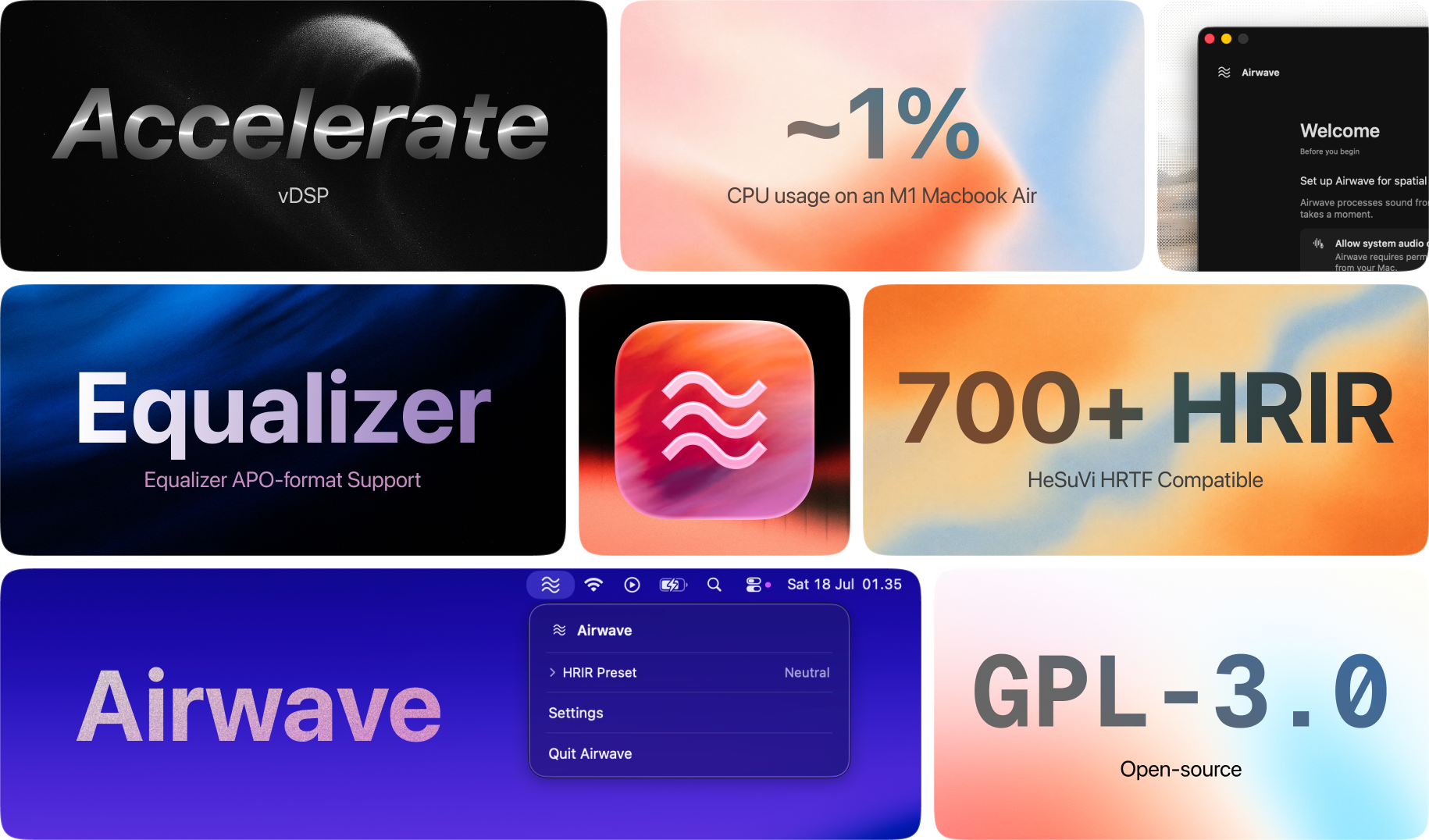
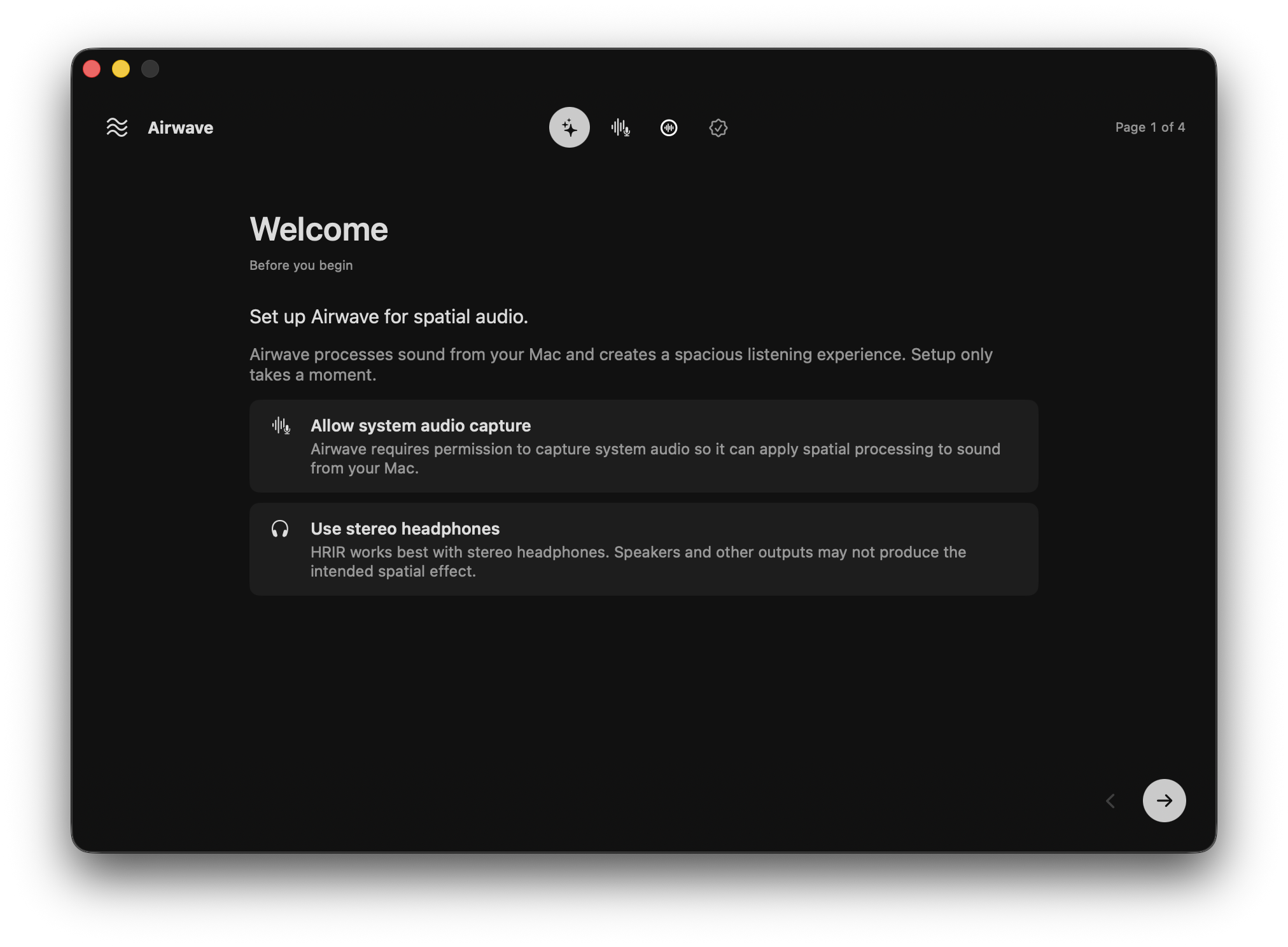
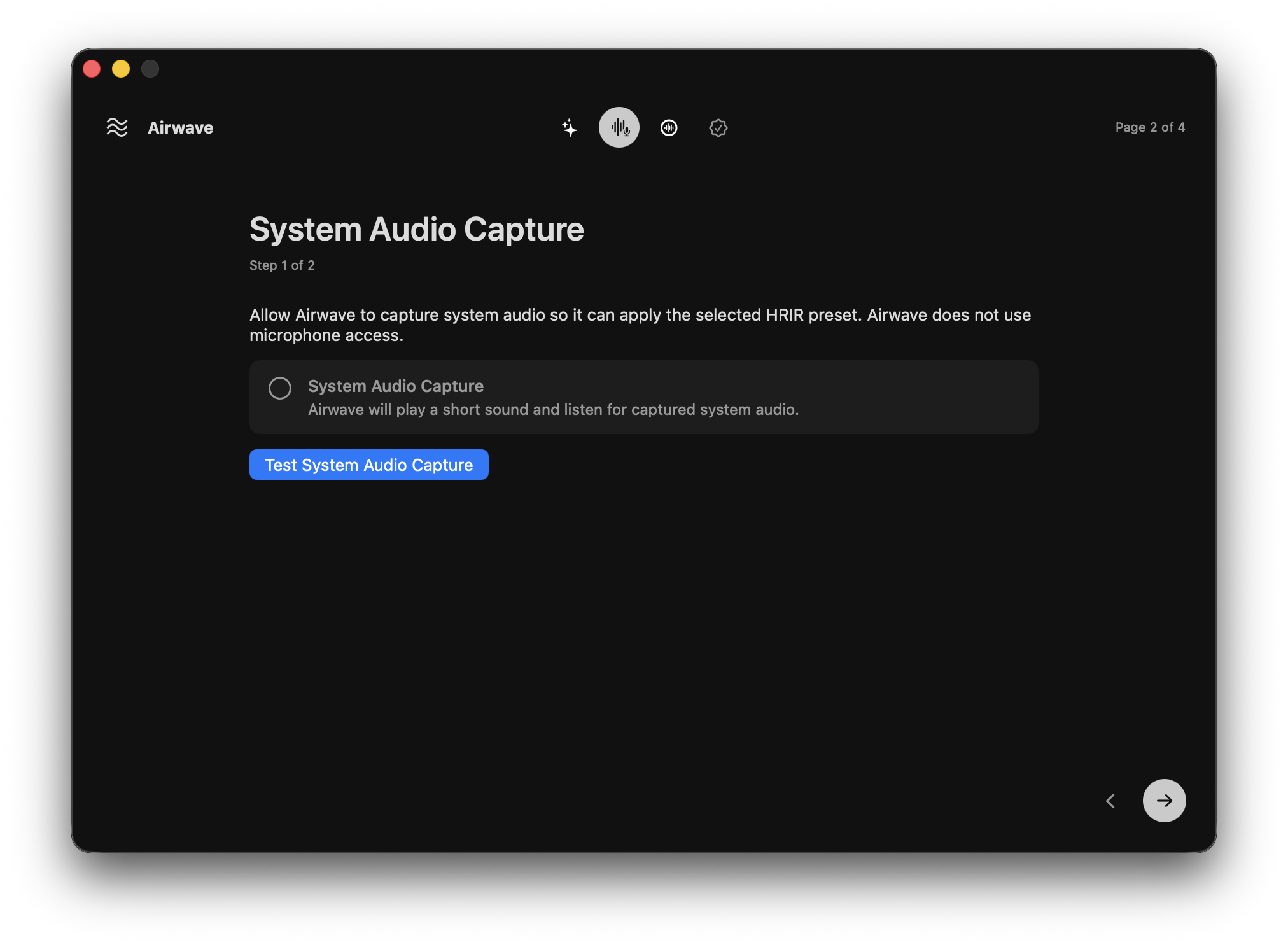
A macOS application that provides system-wide spatial audio through headphones. Compatible with HeSuVi HRIR presets.
Screenshots
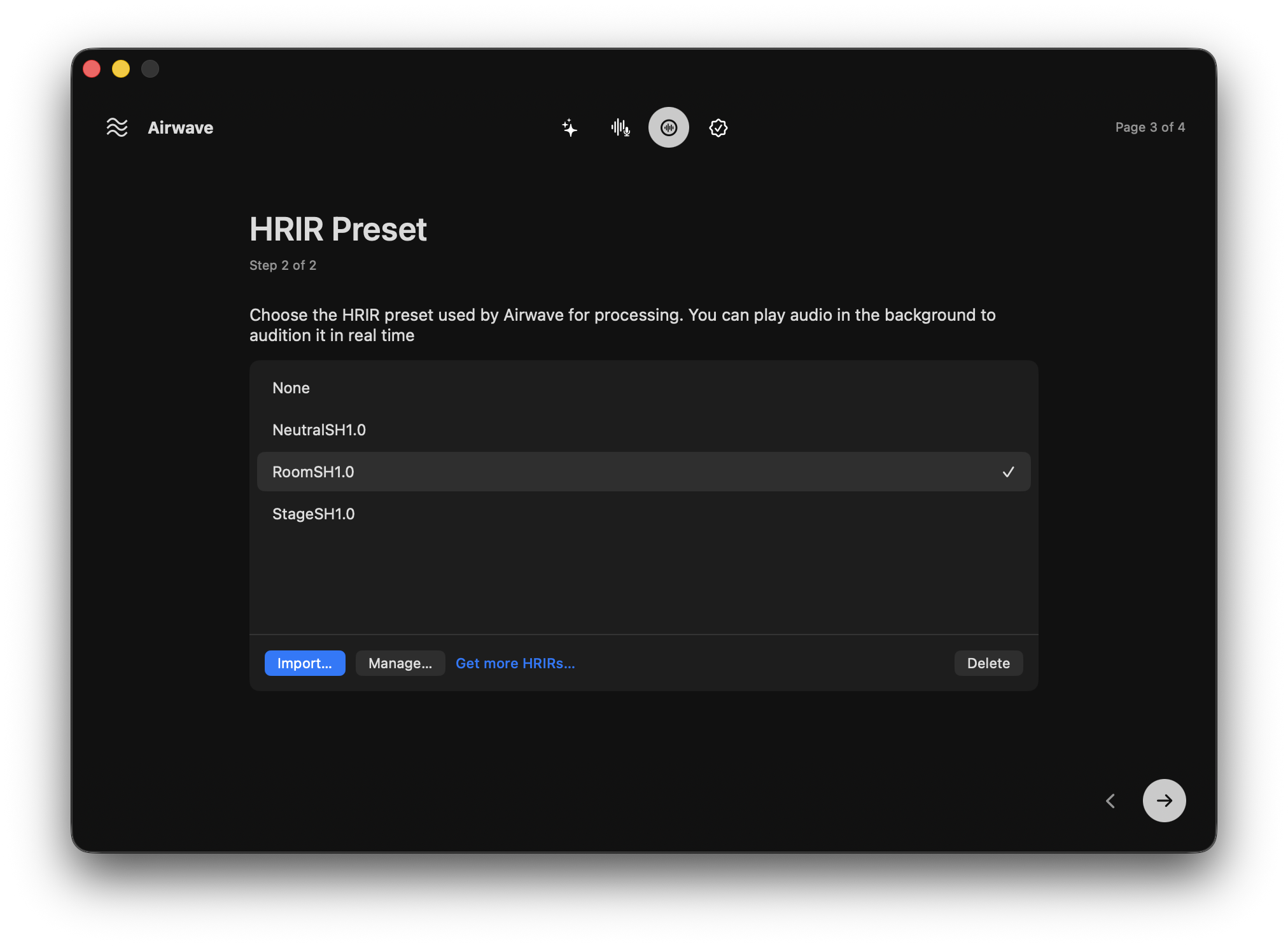
How to install Airwave on a Mac
- Get OpenDMG. It is a free app store for open source Mac apps. Download OpenDMG.
- Search for Airwave and press Get. OpenDMG downloads version 2.2.0 from sallliisa's own GitHub release.
- Open it. The download is checked against its SHA-256 fingerprint and its signature is checked on your Mac before it lands in Applications.
Updates to Airwave show up in OpenDMG and install with one button. No account is needed.
Prefer to do it by hand? The developer's file is on GitHub: Airwave_v2.2.0.zip (12 MB).
What is new in Airwave 2.2.0
## Airwave Spatial Audio Unit

Airwave now includes a stereo spatial audio effect for macOS hosts that support AUv3. Add **Airwave Spatial** to a track or output effects chain to use Airwave's headphone spatialization with the audio your host is already mixing.

- Start with **Neutral** or import a compatible HeSuVi WAV from the **HRIR preset** menu.
- Use **Bypass** to compare the original stereo signal with the spatialized output.
- The host can save the imported WAV and bypass setting with each plugin instance.

Install Airwave in Applications and open it once. Then rescan Audio Units or restart your host if it was already running. You can quit the Airwave app while using the plugin. Use your host's effects chain for EQ.

See [Airwave Spatial setup](https://github.com/sallliisa/Airwave#airwave-spatial-audio-unit) for details.
More Utilities apps
-
 VorssaintAn open-source, free, and local toolkit that integrates functions such as preventing…
-
 BetterDisplayDisplay management tool with HiDPI scaling, PiP, and EDID controls
-
 MosSmooth your mouse's scrolling and reverse the mouse scroll direction
-
 EasydictmacOS instant translator — type/select/screenshot, multi-service, zero setup
-
 OpenHaystackOpen-source tracker for finding Bluetooth devices through Apple's Find My network
-
 OrkasOrkas is an open-source (MIT), local-first AI team for your desktop: a Commander turns…