
AgentPet for Mac
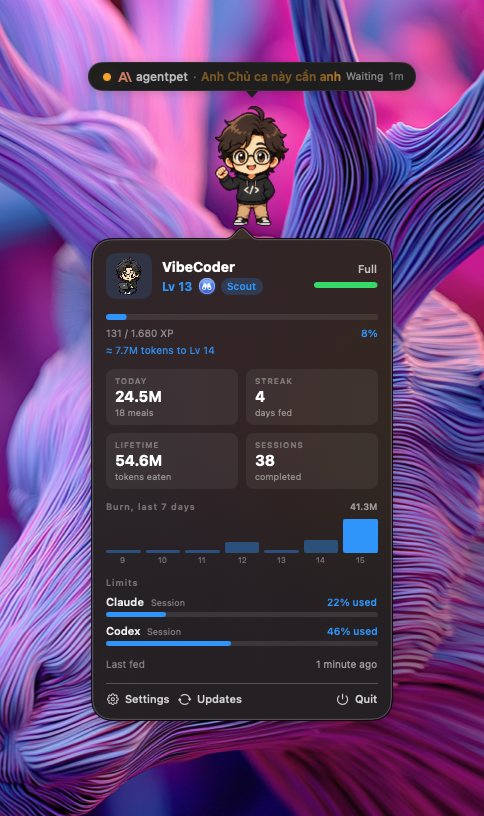
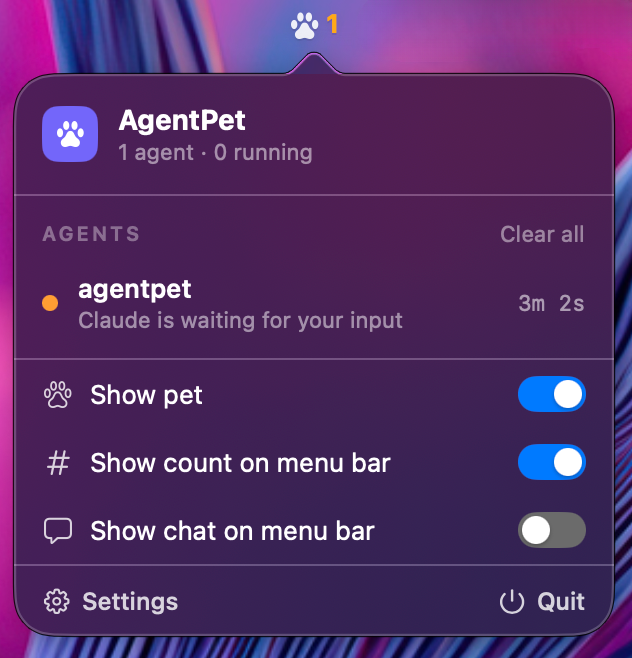
Tracks multiple coding agents in one glance by showing who is working, done, or waiting for your input, with a reactive desktop pet.
By ntd4996. Free and open source, MIT licence.
AgentPet at a glance
- Version
- 1.17.1
- Released
- 30 September 2026
- Download size
- 5.3 MB
- Works on
- Apple silicon and Intel
- Licence
- MIT
- Category
- Artificial Intelligence
- Developer
- ntd4996
- GitHub stars
- 375
About AgentPet
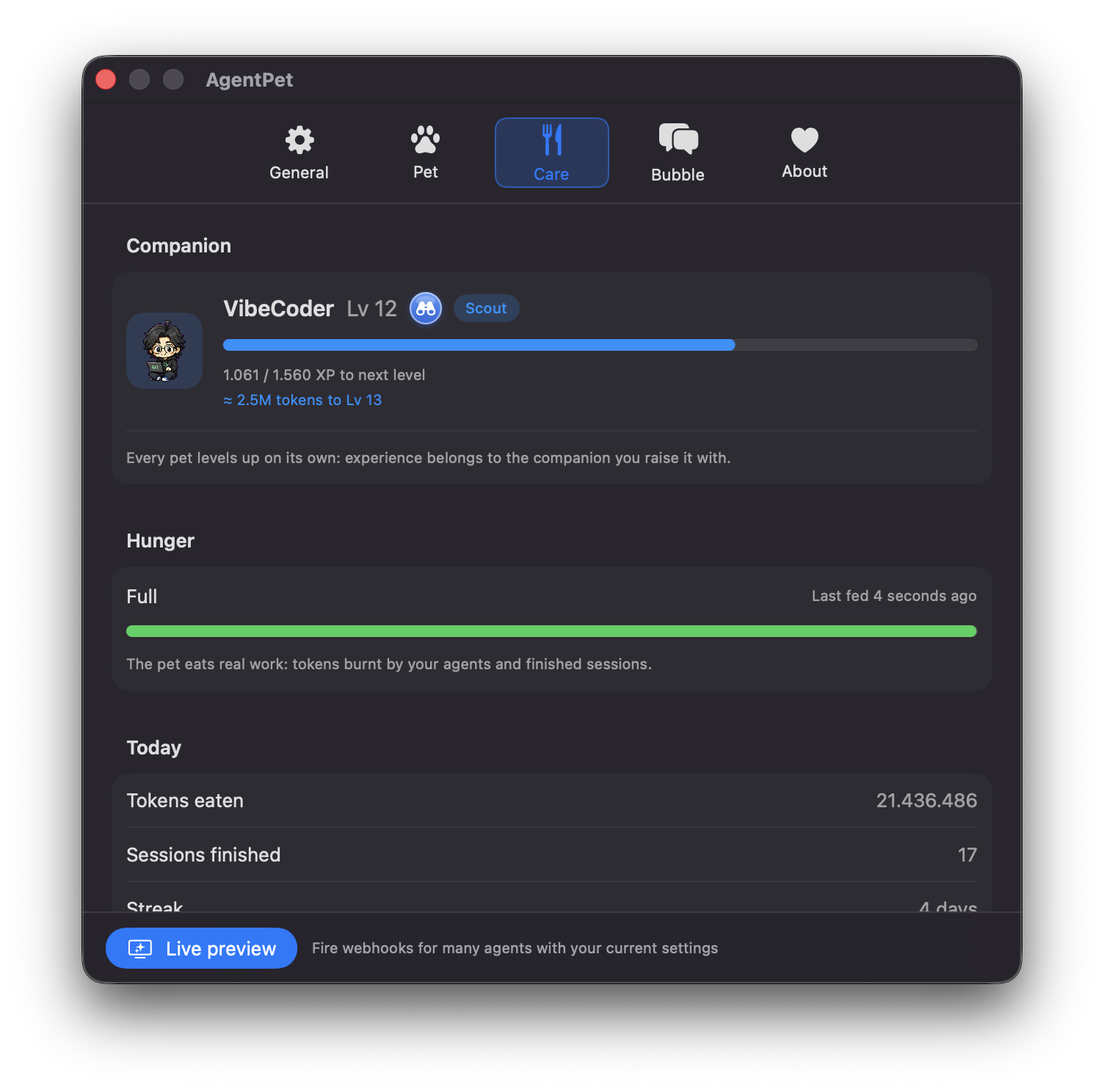
A desktop pet for macOS & Windows that monitors your AI coding agents (Claude Code, Codex, Cursor, Gemini...) in real time, and grows as you code, feed it tokens, level it up, climb the leaderboard.
Screenshots
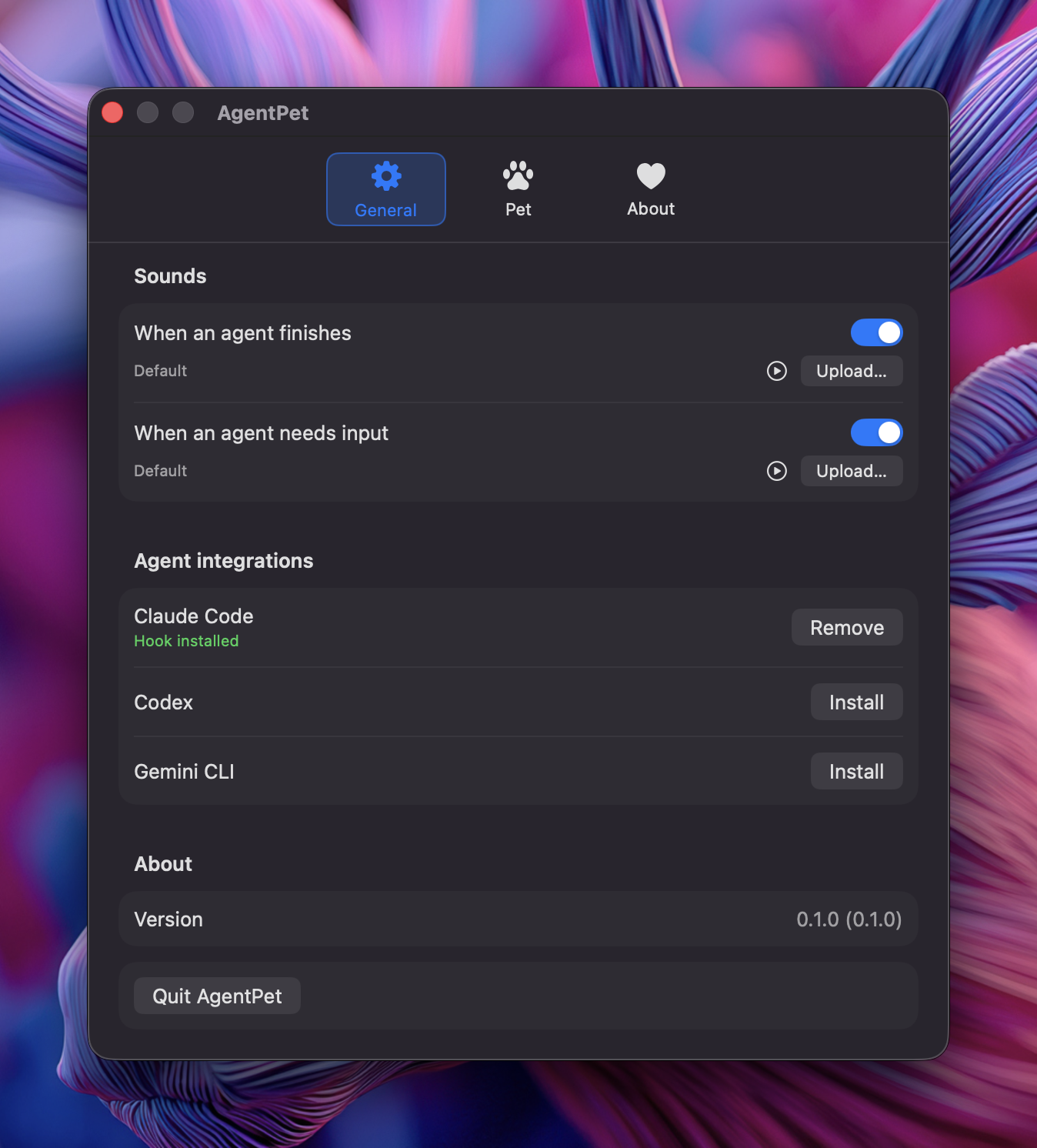
How to install AgentPet on a Mac
- Get OpenDMG. It is a free app store for open source Mac apps. Download OpenDMG.
- Search for AgentPet and press Get. OpenDMG downloads version 1.17.1 from ntd4996's own GitHub release.
- Open it. The download is checked against its SHA-256 fingerprint and its signature is checked on your Mac before it lands in Applications.
Updates to AgentPet show up in OpenDMG and install with one button. No account is needed.
Prefer to do it by hand? The developer's file is on GitHub: AgentPet-1.17.1.dmg (5.3 MB).
What is new in AgentPet 1.17.1
## Fixes
- Grok's logo is now offered in the bubble icon picker, and stays visible on the dark bubble.
- The right-click stats card now points at the pet, even when a wide bubble has shifted the pet inside its window.

Thanks to @hoangdq08 for #61.
More Artificial Intelligence apps
-
 CodexBarShow usage stats for OpenAI Codex and Claude Code, without having to login
-
 CodeBurnTracks token usage, cost, and performance across 25 AI agents with per-task breakdowns
-
 OsaurusLocal LLM server and AI infrastructure with menu bar, CLI, and shared tools
-
 QuotioAI subscription manager with quota tracking and automatic failover
-
 Claude Usage TrackerTrack the usage of Claude Code
-
 VibeProxyMenu bar app to use existing Claude, ChatGPT, and other subscriptions with AI coding…