

Adieu for Mac
Uninstall apps and their leftovers, with a clear reason for every item.
By lijunyu726. Free and open source, MIT licence.
Adieu at a glance
- Version
- 0.1.20
- Released
- 9 November 2026
- Download size
- 9.9 MB
- Works on
- Apple silicon and Intel
- Licence
- MIT
- Category
- System Tools
- Developer
- lijunyu726
- GitHub stars
- 49
About Adieu
好好告别。macOS 原生的卸载与清理工具:卸载应用连同它留下的一切,每一项都说明为什么可以删。SwiftUI · 免费开源
Screenshots


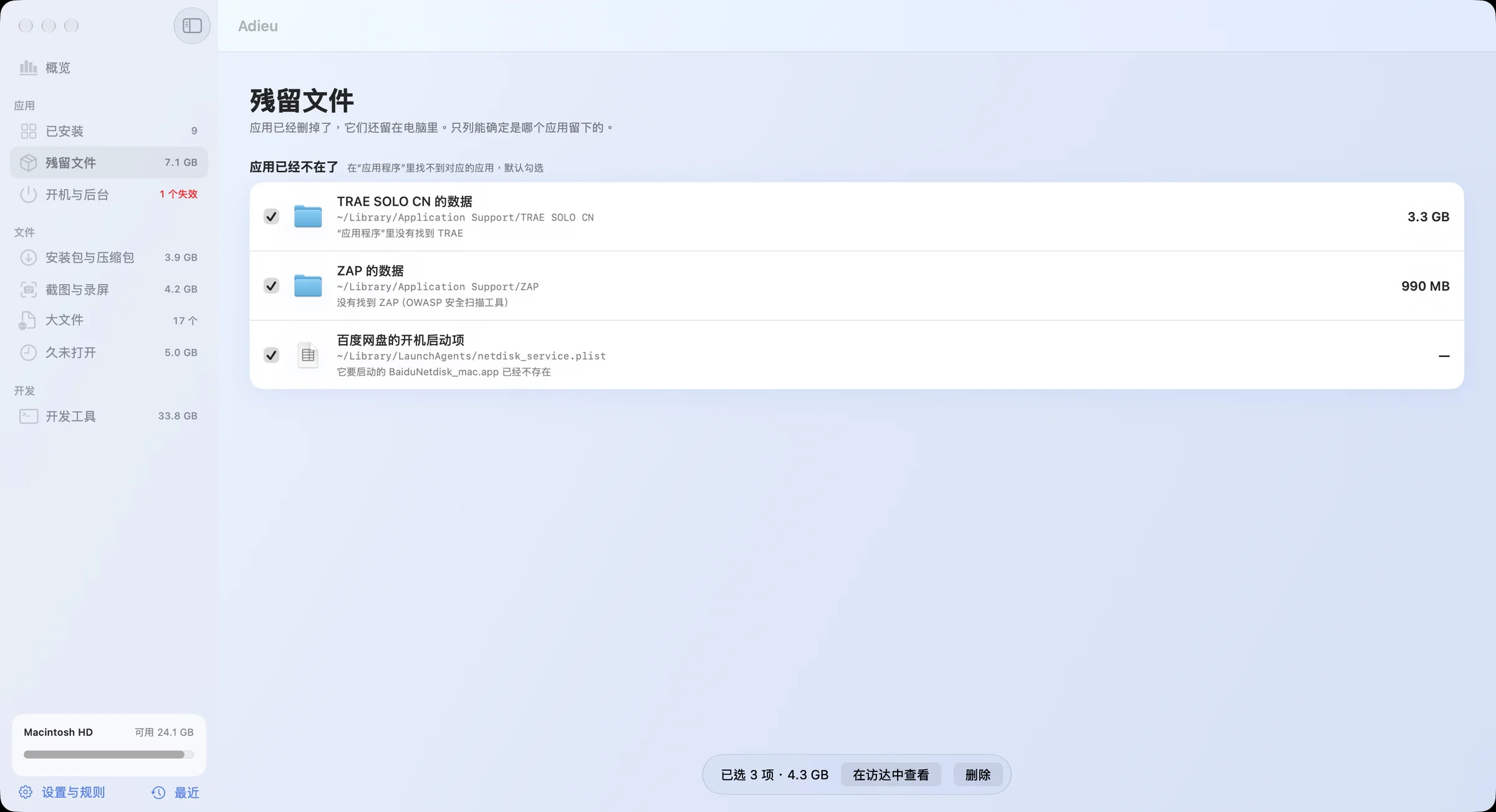
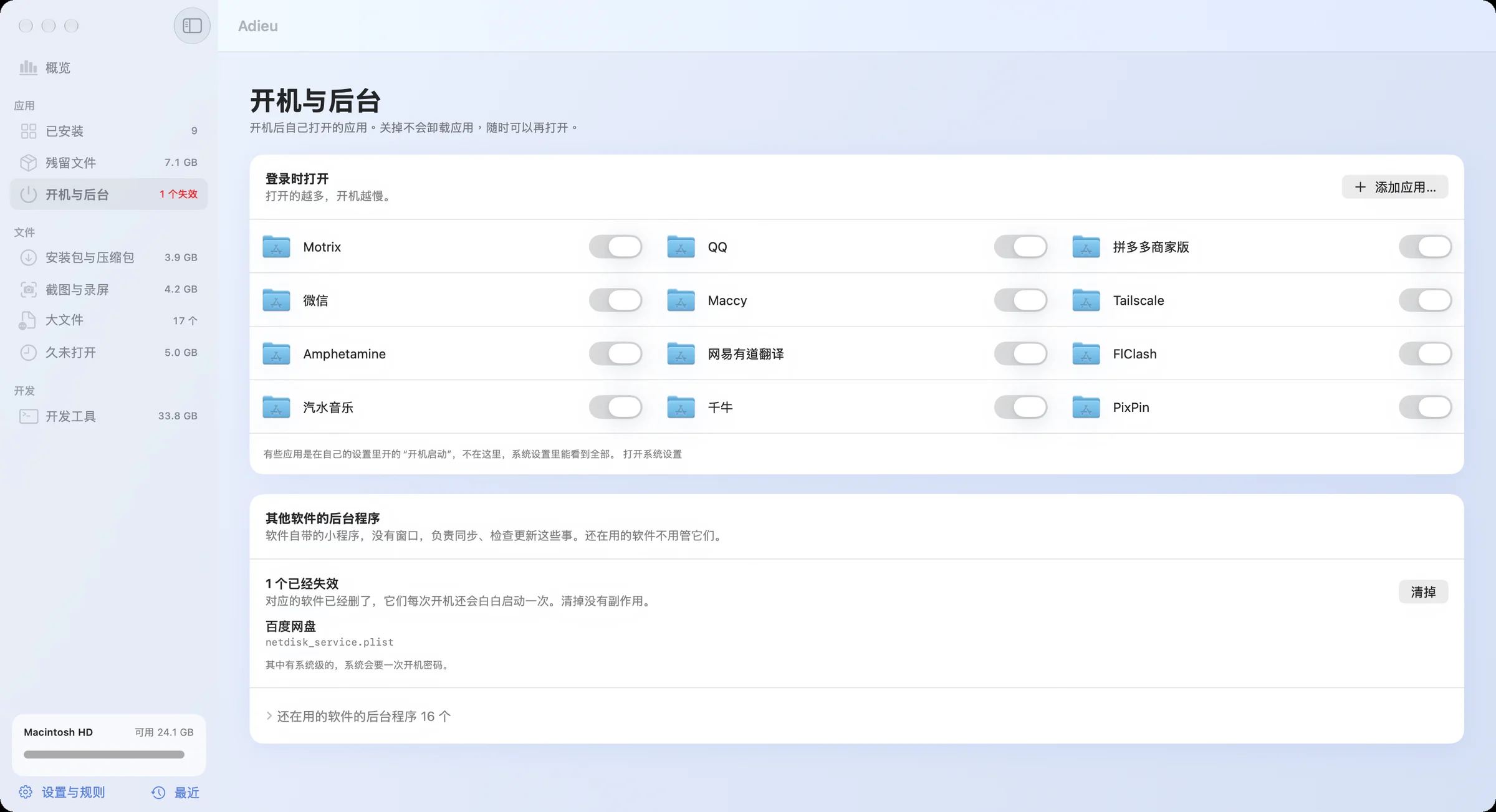
How to install Adieu on a Mac
- Get OpenDMG. It is a free app store for open source Mac apps. Download OpenDMG.
- Search for Adieu and press Get. OpenDMG downloads version 0.1.20 from lijunyu726's own GitHub release.
- Open it. The download is checked against its SHA-256 fingerprint and its signature is checked on your Mac before it lands in Applications.
Updates to Adieu show up in OpenDMG and install with one button. No account is needed.
Prefer to do it by hand? The developer's file is on GitHub: Adieu-0.1.20.dmg (9.9 MB).
What is new in Adieu 0.1.20
- 同一个应用装了两份(比如 QQ 和 QQ 2)时,两份都会列出来,是否在运行也分开判断。以前只显示其中一份
- “开机与后台”里的登录项显示应用现在的名字。以前会显示系统当初记下的旧名字,比如“Tailscale 2”
More System Tools apps
-
 PearcleanerApp Cleaner and Uninstaller Tool
-
 PureMacFree open-source system cleaner with privacy protection
-
 OpenInTerminalFinder toolbar tool for opening the current folder in a terminal
-
 DockDoorWindow peeking for macOS
-
 DigUpSemantic search app that finds files by their contents
-
 LatestApp update checker that notifies you of available updates for installed applications