
WhereAmIP for Mac
Menu bar flag of your exit IP's country, with VPN and iCloud Private Relay awareness.
By frinsen. Free and open source, MIT licence.
WhereAmIP at a glance
- Version
- 0.6.1
- Released
- 21 September 2026
- Download size
- 2.6 MB
- Works on
- Apple silicon and Intel
- Licence
- MIT
- Category
- Internet and Networking
- Developer
- frinsen
- GitHub stars
- 6
About WhereAmIP
Where am I(P)? macOS menu bar exit-IP flag with VPN and Private Relay awareness
Screenshots
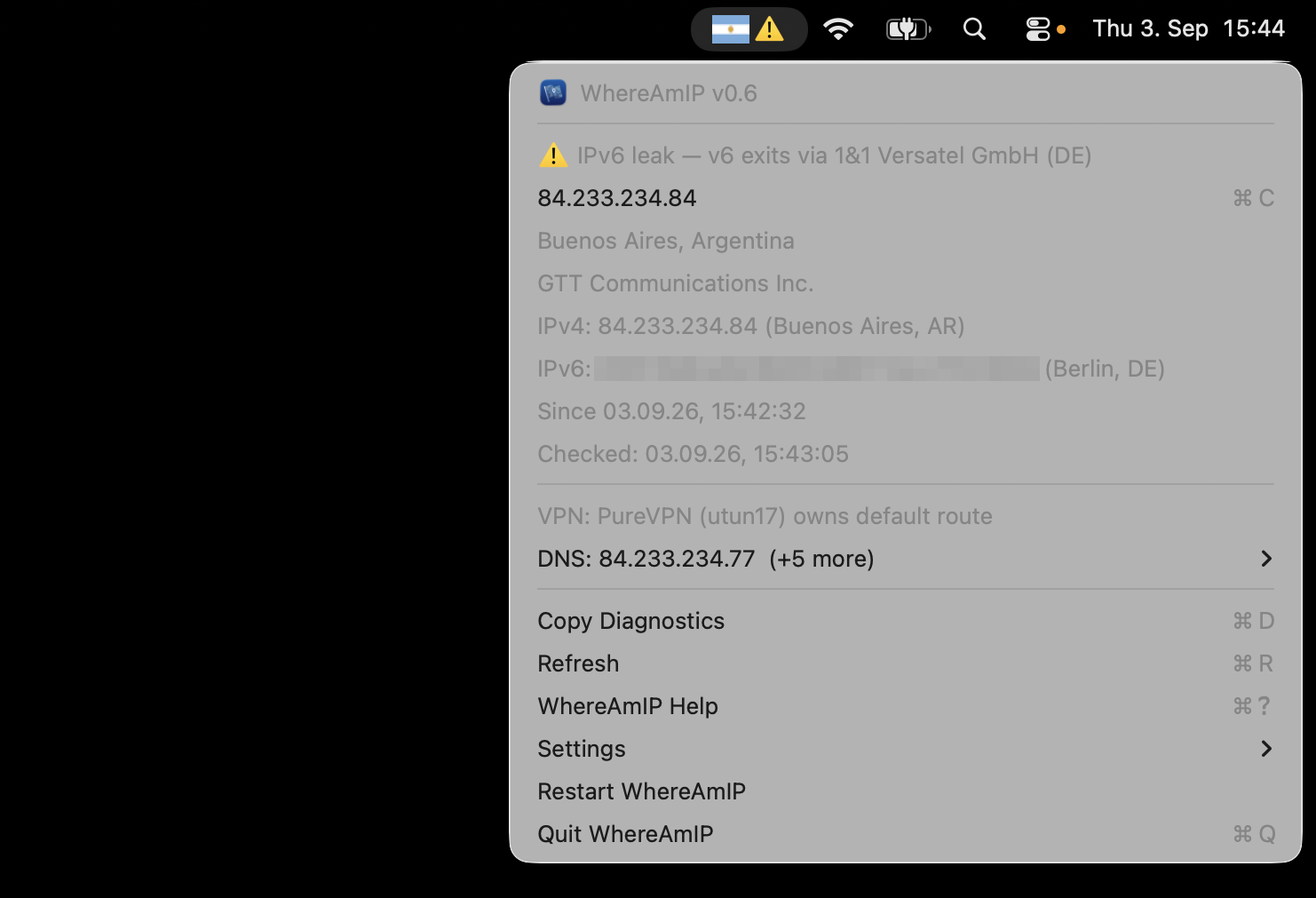
How to install WhereAmIP on a Mac
- Get OpenDMG. It is a free app store for open source Mac apps. Download OpenDMG.
- Search for WhereAmIP and press Get. OpenDMG downloads version 0.6.1 from frinsen's own GitHub release.
- Open it. The download is checked against its SHA-256 fingerprint and its signature is checked on your Mac before it lands in Applications.
Updates to WhereAmIP show up in OpenDMG and install with one button. No account is needed.
Prefer to do it by hand? The developer's file is on GitHub: WhereAmIP.app.zip (2.6 MB).
What is new in WhereAmIP 0.6.1
## Install (no download needed — Homebrew builds it for you)

```bash
brew tap frinsen/tap
brew trust frinsen/tap # newer Homebrew requires trusting third-party taps once
brew install whereamip # or: brew upgrade whereamip
open "$(brew --prefix)/opt/whereamip/libexec/WhereAmIP.app"
```

Homebrew is the recommended path: locally built apps need no Apple
notarization and trigger no Gatekeeper warnings. Requires Xcode Command Line Tools.

## Direct download (for the impatient)

`WhereAmIP.app.zip` below is a prebuilt, **unsigned** app (we don't pay Apple's
notarization toll). macOS will refuse to open it normally — after unzipping,
either right-click the app → Open → Open, or clear the quarantine flag:

```bash
xattr -d com.apple.quarantine WhereAmIP.app
```

Updates are manual on this path — `brew upgrade` only serves Homebrew installs.

---

**Full Changelog**: https://github.com/frinsen/whereamip/compare/v0.6...v0.6.1