V2Mac for Mac
Native macOS Xray-core client that turns subscriptions into local SOCKS5 and HTTP proxies.
By v2macapp. Free and open source, GPL-3.0 licence.
V2Mac at a glance
- Version
- 1.12.1
- Released
- 12 November 2026
- Download size
- 26 MB
- Works on
- Apple silicon and Intel
- Licence
- GPL-3.0
- Category
- Internet and Networking
- Developer
- v2macapp
- GitHub stars
- 29
About V2Mac
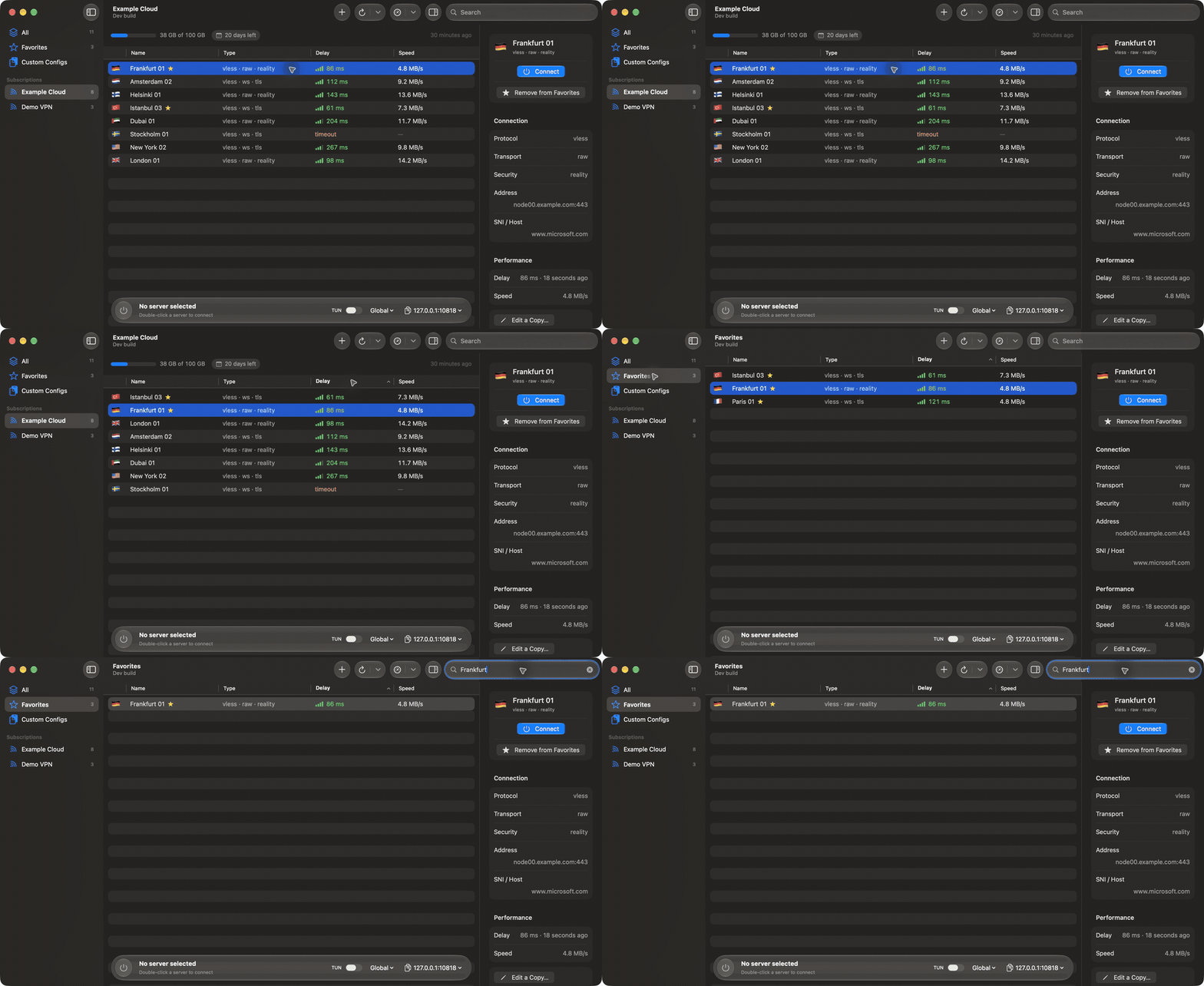
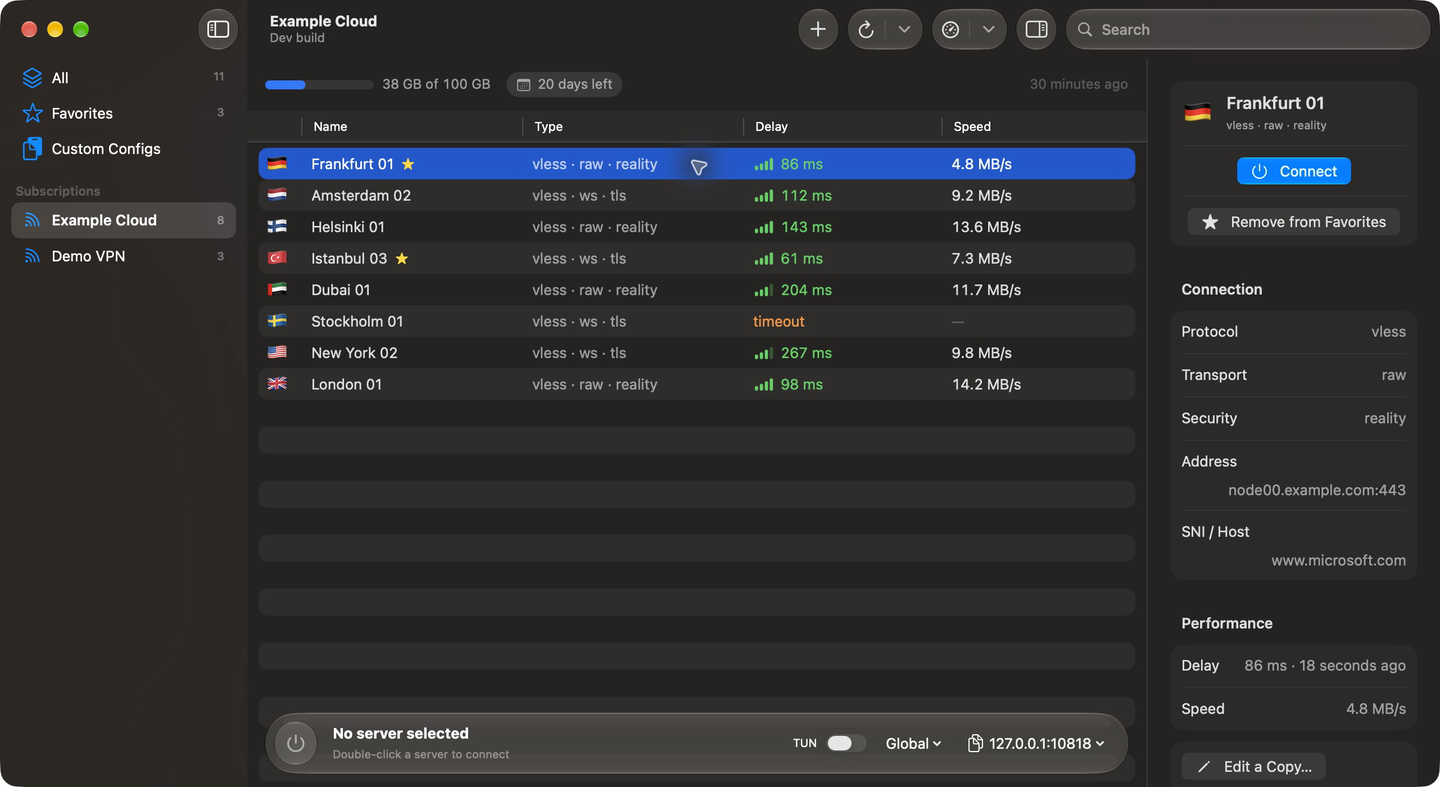
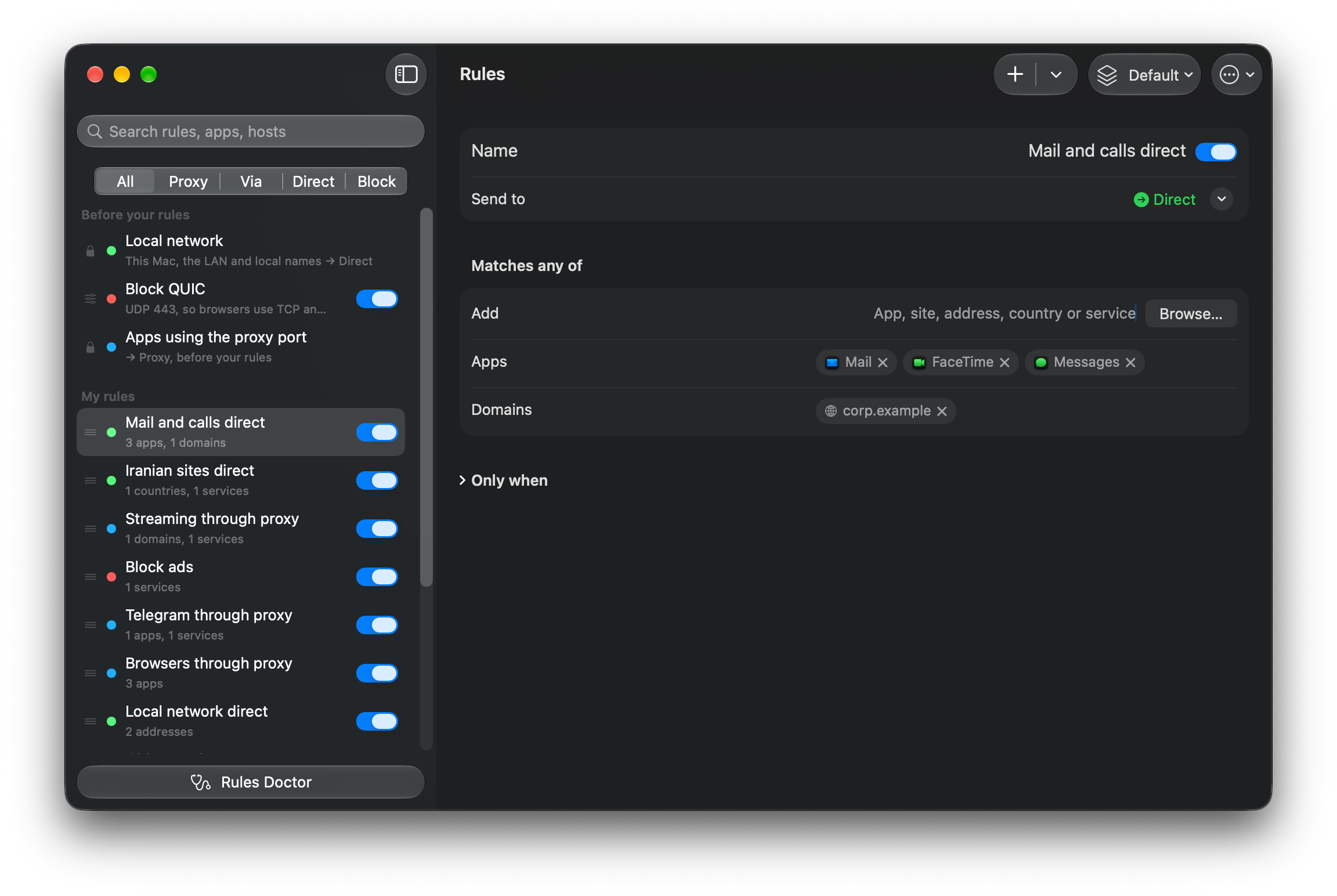
Native macOS client for Xray-core (V2Ray/XTLS). VLESS, VMess, Trojan, Shadowsocks, Hysteria2 subscriptions, latency tests, routing and menu bar control. SwiftUI, Apple Silicon.
Screenshots

How to install V2Mac on a Mac
- Get OpenDMG. It is a free app store for open source Mac apps. Download OpenDMG.
- Search for V2Mac and press Get. OpenDMG downloads version 1.12.1 from v2macapp's own GitHub release.
- Open it. The download is checked against its SHA-256 fingerprint and its signature is checked on your Mac before it lands in Applications.
Updates to V2Mac show up in OpenDMG and install with one button. No account is needed.
Prefer to do it by hand? The developer's files are on GitHub: V2Mac-Intel.dmg (28 MB), V2Mac.dmg (26 MB).
What is new in V2Mac 1.12.1
## What's changed

- Align a rule's apps, domains and services to the right, in line with the form's other values
- Show a rule's keyword sites as the wildcard they match, like *anthropic*

## Install

<p align="center"><a href="https://github.com/v2macapp/v2mac/releases/download/v1.12.1/V2Mac-1.12.1.dmg"><img src="https://raw.githubusercontent.com/v2macapp/v2mac/v1.12.1/docs/images/download-apple-silicon.svg" alt="Download V2Mac for Apple Silicon" width="300"></a> <a href="https://github.com/v2macapp/v2mac/releases/download/v1.12.1/V2Mac-1.12.1-intel.dmg"><img src="https://raw.githubusercontent.com/v2macapp/v2mac/v1.12.1/docs/images/download-intel.svg" alt="Download V2Mac for Intel" width="300"></a></p>

With Homebrew: `brew install --cask v2macapp/tap/v2mac` (or `brew upgrade --cask v2mac`).

Requires macOS 14 or later. Choose `V2Mac-1.12.1.dmg` for Apple Silicon or `V2Mac-1.12.1-intel.dmg` for Intel. Check the matching `.sha256` file and follow the first-launch steps in the README.

Secure Sandbox requires Apple Silicon and macOS 26 or later. Control Center and Liquid Glass require macOS 26.

Validation: both architectures build locally; the native core and app-state suites pass. Full macOS 14/15 behavior, real Intel TUN, and live glass equivalence remain acceptance checks.

Full changelog: https://github.com/v2macapp/v2mac/compare/v1.12.0...v1.12.1