
Unison UI for Mac
Graphical interface for synchronizing files with Unison.
By bcourbage. Free and open source, GPL-3.0 licence.
Unison UI at a glance
- Version
- 0.10.1
- Released
- 16 September 2026
- Download size
- 5.0 MB
- Works on
- Apple silicon and Intel
- Licence
- GPL-3.0
- Category
- Internet and Networking
- Developer
- bcourbage
- GitHub stars
- 5
About Unison UI
Native macOS GUI for the Unison File Synchronizer (Swift + AppKit, GPLv3)
Screenshots
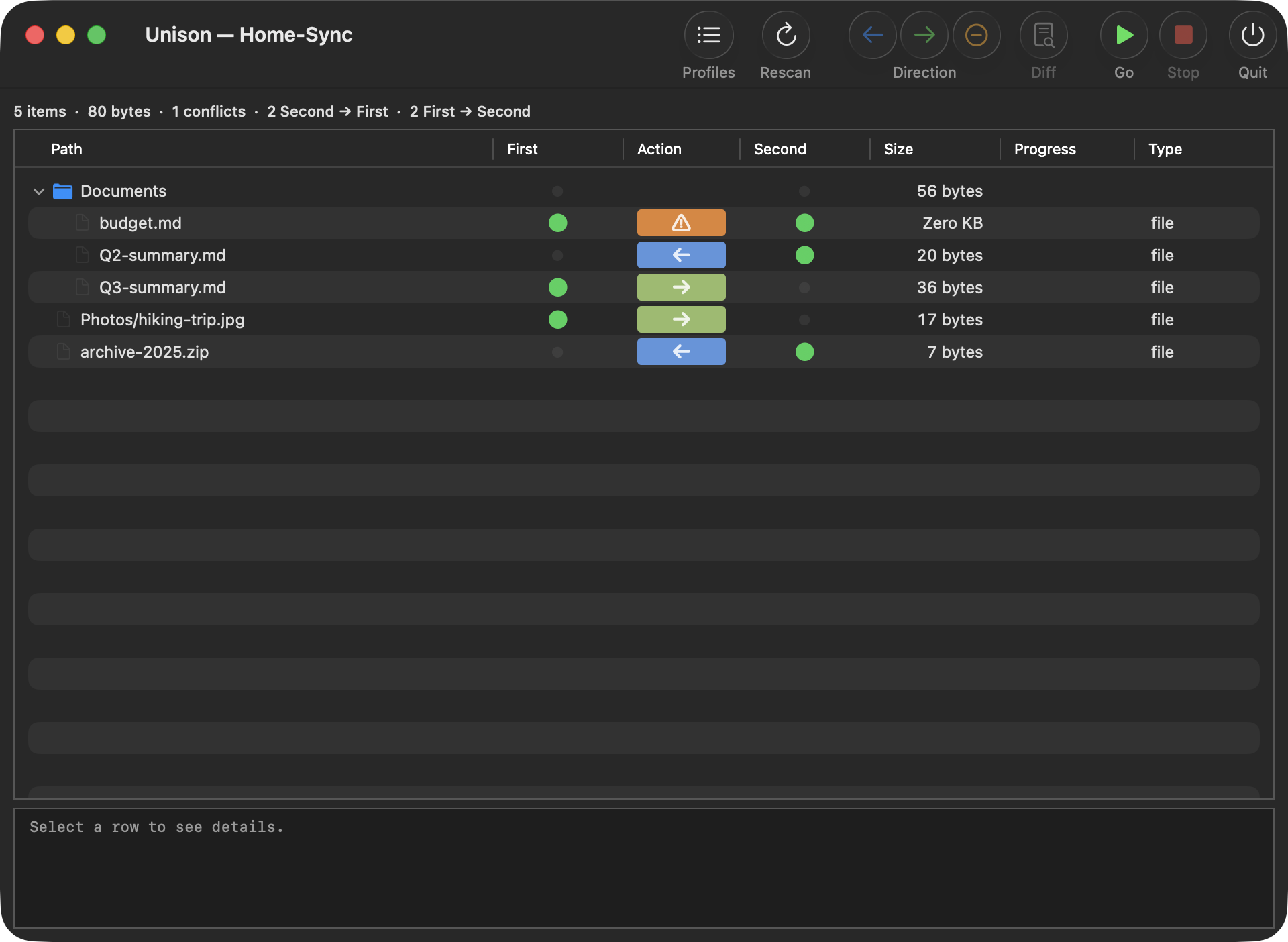
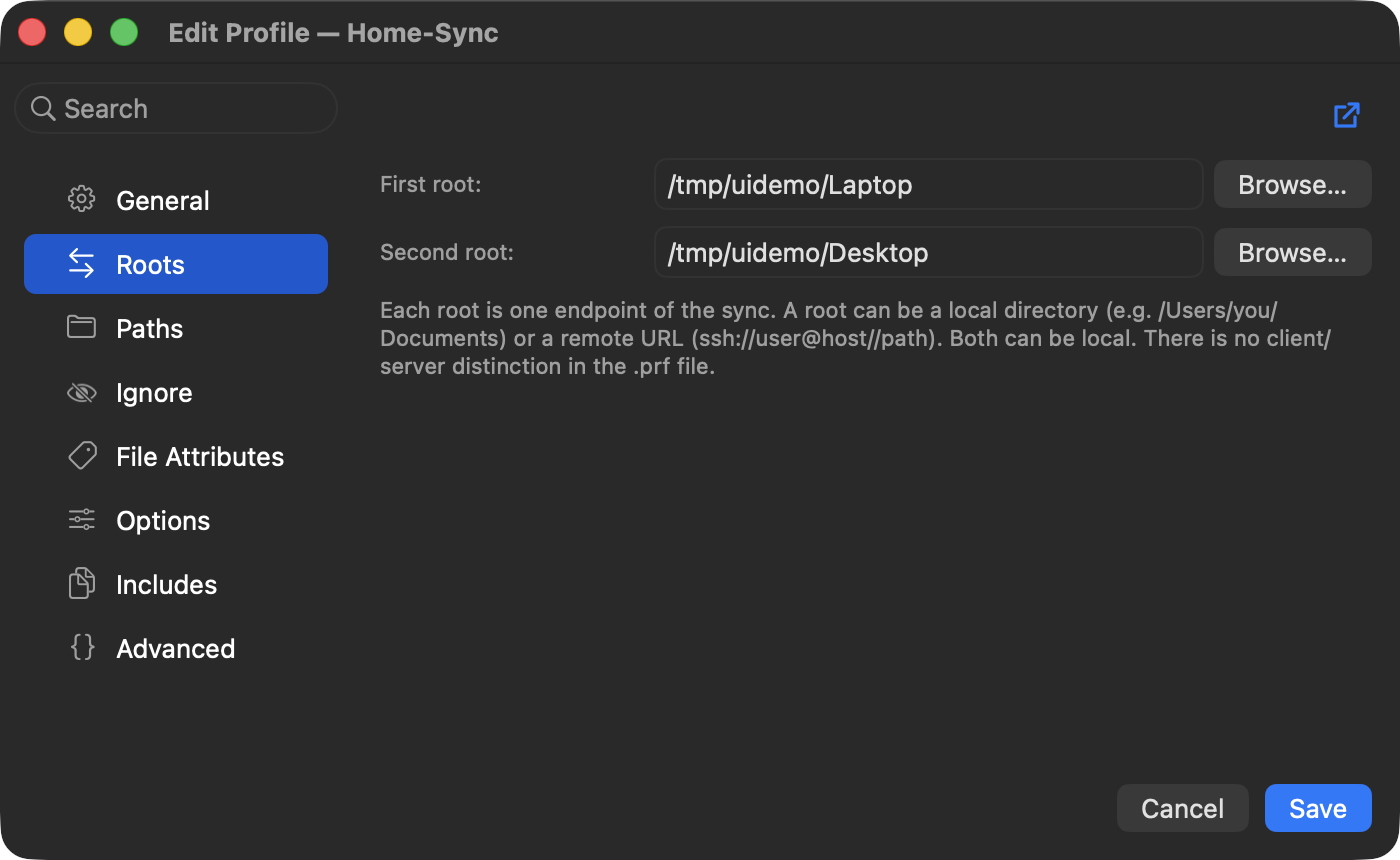
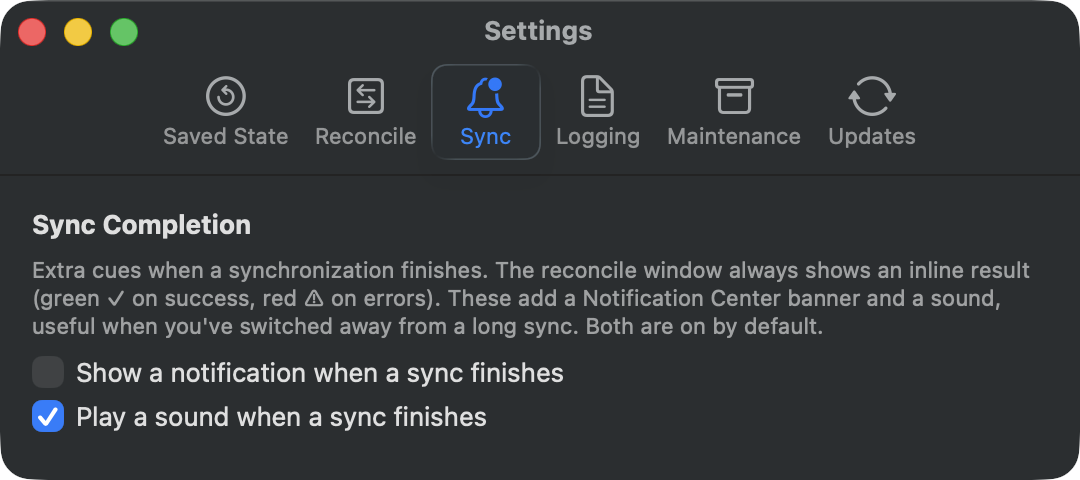
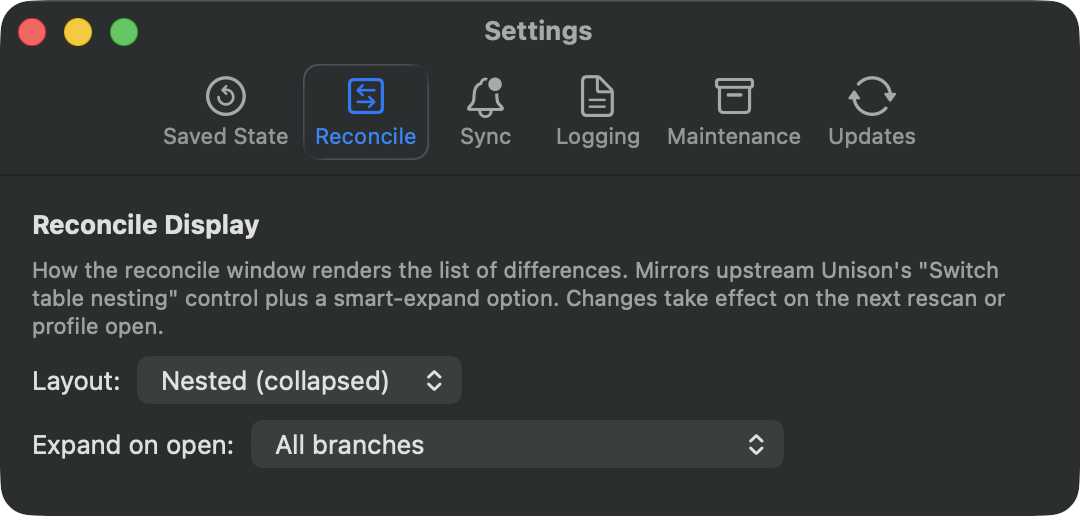
How to install Unison UI on a Mac
- Get OpenDMG. It is a free app store for open source Mac apps. Download OpenDMG.
- Search for Unison UI and press Get. OpenDMG downloads version 0.10.1 from bcourbage's own GitHub release.
- Open it. The download is checked against its SHA-256 fingerprint and its signature is checked on your Mac before it lands in Applications.
Updates to Unison UI show up in OpenDMG and install with one button. No account is needed.
Prefer to do it by hand? The developer's file is on GitHub: unison-ui-mac-0.10.1.app.zip (5.0 MB).
What is new in Unison UI 0.10.1
# Unison UI for macOS 0.10.1

Version 0.10.1 is a maintenance release. It stops the bundled command-line tool
and sync engine from leaving coverage files behind, and it adds an offline copy
of this app's user manual to the Help menu. Existing profiles and settings
continue to work without migration.

## Fixed

- **Release builds no longer leave `.profraw` files behind.** Earlier builds
 carried code-coverage instrumentation that wrote a `default.profraw` file to the
 working directory when the bundled `unison` command or its `-server` role exited,
 including on Macs used as synchronization peers. That instrumentation is removed
 from release builds, and the release pipeline now checks the shipped binaries to
 keep it out.
- **Help opens an offline user manual.** Help now opens a copy of this app's user
 manual bundled with the app, so it works without an internet connection and always
 matches the version you are running. It includes the corrected command-line
 session documentation. The separate upstream Unison reference manual is unchanged.