
TBD for Mac
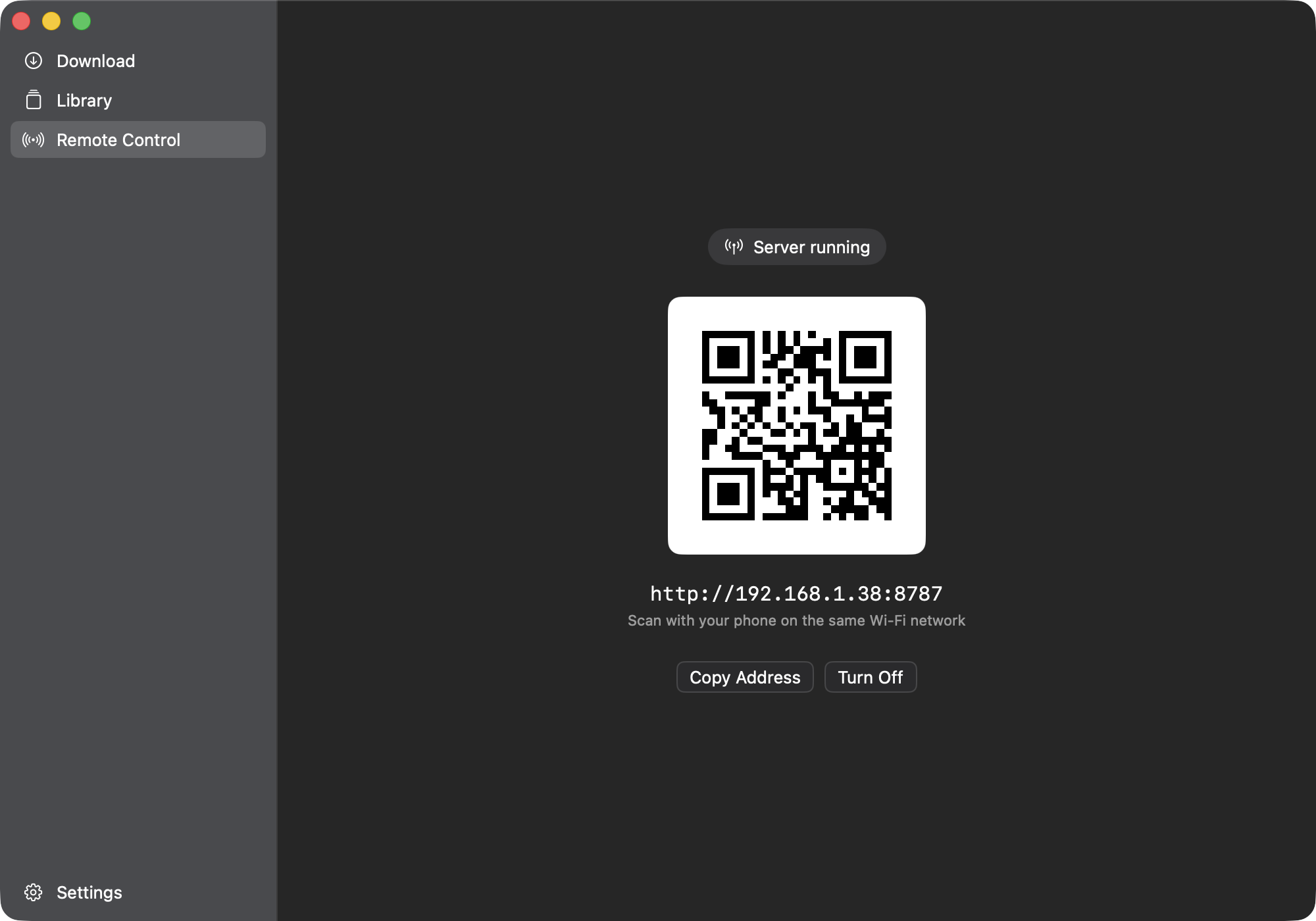
Paste a link, get the file — a yt-dlp-based downloader that can also be driven from your phone over Wi-Fi.
By eliorpom-cmd. Free and open source, AGPL-3.0 licence.
TBD at a glance
- Version
- 1.2.0
- Released
- 20 September 2026
- Download size
- 38 MB
- Works on
- Apple silicon and Intel
- Licence
- AGPL-3.0
- Category
- Internet and Networking
- Developer
- eliorpom-cmd
- GitHub stars
- 61
About TBD
A native macOS downloader built on yt-dlp. Paste a link, get the file — and drive it from your phone over your own Wi-Fi.
Screenshots



How to install TBD on a Mac
- Get OpenDMG. It is a free app store for open source Mac apps. Download OpenDMG.
- Search for TBD and press Get. OpenDMG downloads version 1.2.0 from eliorpom-cmd's own GitHub release.
- Open it. The download is checked against its SHA-256 fingerprint and its signature is checked on your Mac before it lands in Applications.
Updates to TBD show up in OpenDMG and install with one button. No account is needed.
Prefer to do it by hand? The developer's file is on GitHub: TBD.dmg (38 MB).
What is new in TBD 1.2.0
Installing is one command again.

```
brew install --cask eliorpom-cmd/tap/to-be-downloaded
```

The app is signed with an Apple Developer ID certificate and notarized by Apple, so macOS opens it without the `xattr` line every previous version needed. Four people paid for the developer account between them — they are named in the README.

If you already have the app, it updates itself and there is nothing to redo.

Full notes in [CHANGELOG.md](https://github.com/eliorpom-cmd/to-be-downloaded/blob/main/CHANGELOG.md).