Search for Mac
Small, fast, quiet WebKit browser.
By driceroland. Free and open source, MIT licence.
Search at a glance
- Version
- 1.0.4
- Released
- 27 September 2026
- Download size
- 3.3 MB
- Works on
- Apple silicon and Intel
- Licence
- MIT
- Category
- Internet and Networking
- Developer
- driceroland
- GitHub stars
- 2.5K
About Search
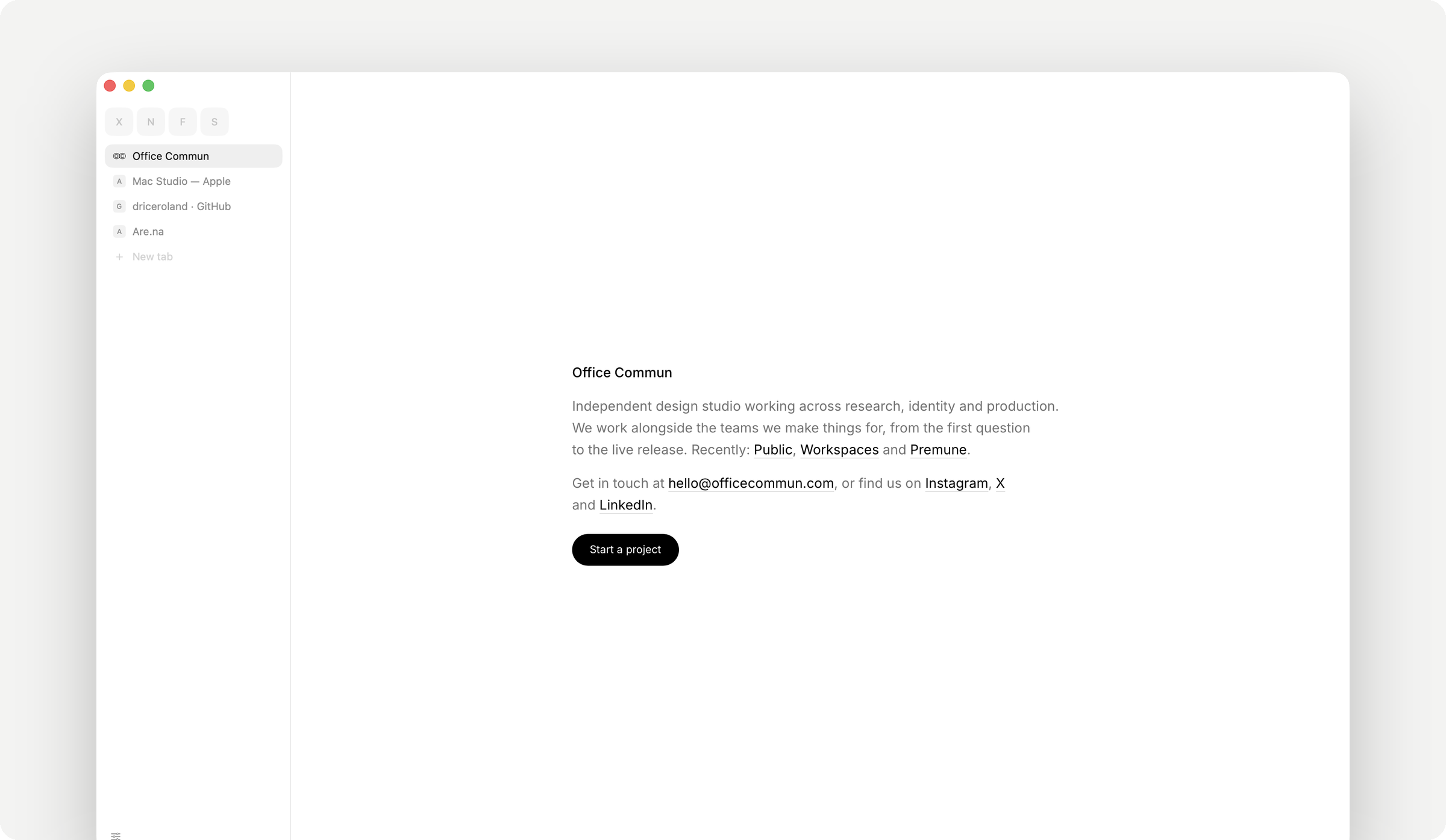
A small, fast WebKit browser for macOS, by Office Commun.
Screenshots
How to install Search on a Mac
- Get OpenDMG. It is a free app store for open source Mac apps. Download OpenDMG.
- Search for Search and press Get. OpenDMG downloads version 1.0.4 from driceroland's own GitHub release.
- Open it. The download is checked against its SHA-256 fingerprint and its signature is checked on your Mac before it lands in Applications.
Updates to Search show up in OpenDMG and install with one button. No account is needed.
Prefer to do it by hand? The developer's file is on GitHub: Search.dmg (3.3 MB).
What is new in Search 1.0.4
Several windows, and a lot to discover. ⌘N opens another window with tabs of its own, a tab dragged out of the row becomes one, and pinned tabs are the same in every window. ⌃Tab shows your recent tabs as pictures, and your own keyboard shortcuts are in Settings › Shortcuts. Bringing things over works from Firefox, Zen, Helium, Comet, Opera and Arc — its spaces and pinned tabs included — or from an exported file, and remembers what came from where. New, each off until you turn it on, here or in the card after the update: tab groups, the sidebar on the right, videos that wait for a click, and a downloads button that stays. Also: bookmark folders you arrange yourself, site shortcuts like yt cats, a double-click that takes a pin back home, and downloads whose progress shows on the Dock. Scrolling costs half what it did, 1Password, Bitwarden, iCloud Passwords and Figma get their fixes, and a second careful private report brings another round of security hardening.

### Added

- The downloads button can stay beside the other buttons all the time, and open Downloads in one click; while a file comes in it fills as before. Off unless you turn it on in Settings › Downloads › Always show the downloads button. Thanks [@hkhrithik007](https://github.com/hkhrithik007) for asking ([#353](https://github.com/driceroland/Search/issues/353))
…