
Rockxy for Mac
HTTP/HTTPS debugging proxy for intercepting, inspecting, and manipulating network traffic.
By RockxyApp. Free and open source, AGPL-3.0 licence.
Rockxy at a glance
- Version
- 0.42.0
- Released
- 9 November 2026
- Download size
- 43 MB
- Works on
- Apple silicon and Intel
- Licence
- AGPL-3.0
- Category
- Internet and Networking
- Developer
- RockxyApp
- GitHub stars
- 1.5K
About Rockxy
Open-source native macOS HTTP debugging proxy — intercept HTTPS, inspect APIs, mock responses, debug WebSocket & GraphQL. Community-driven. For developers, by developers.
Screenshots
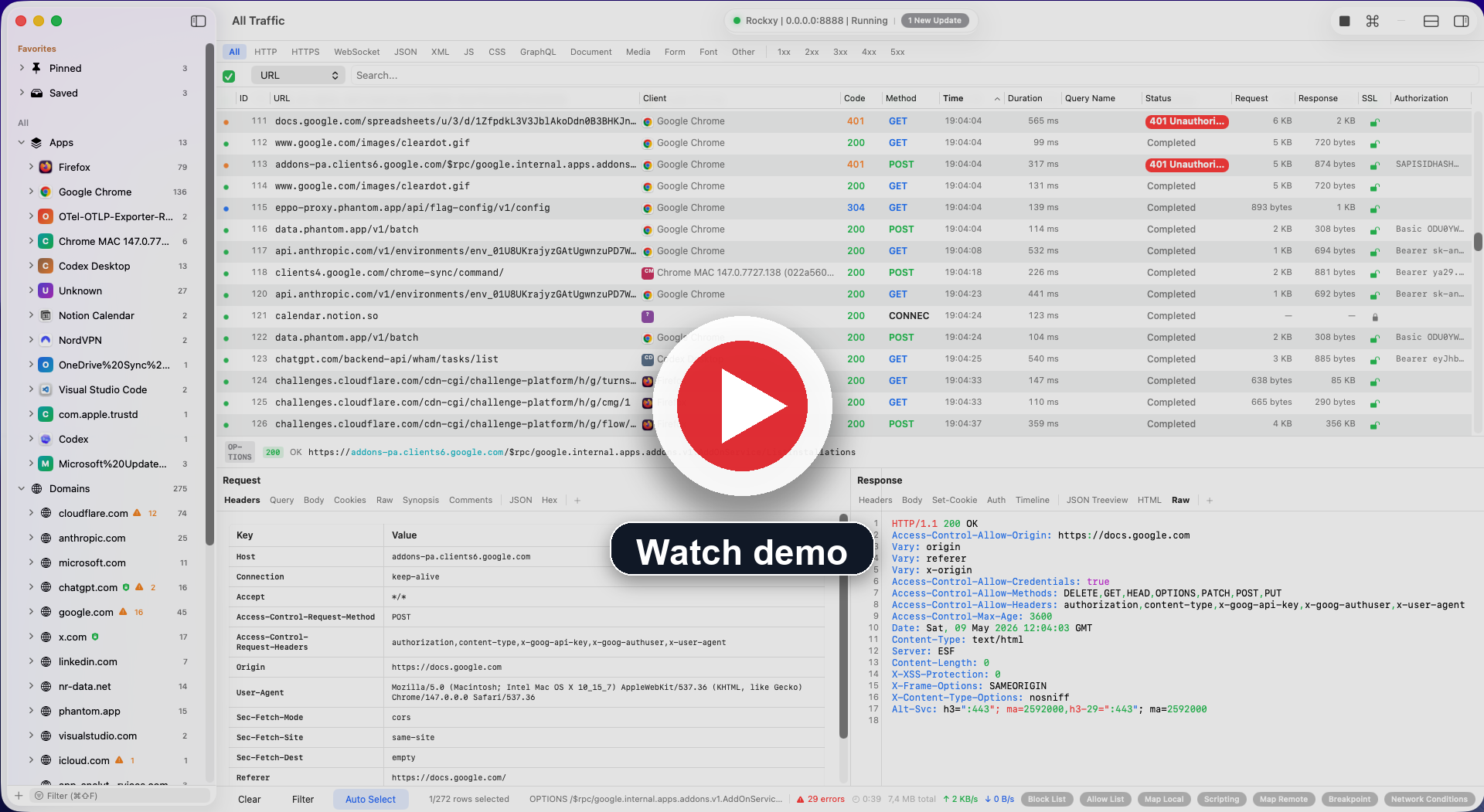
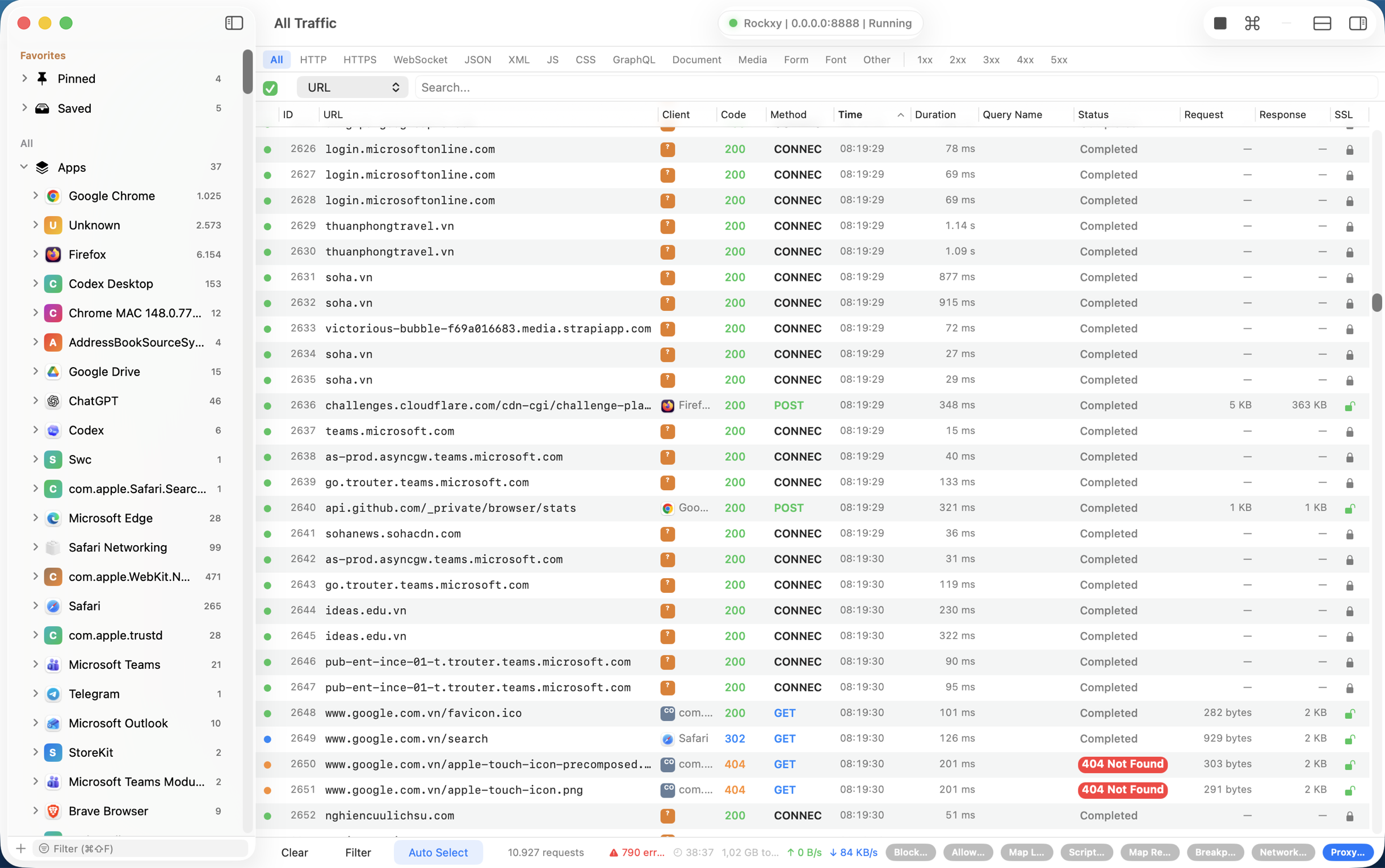
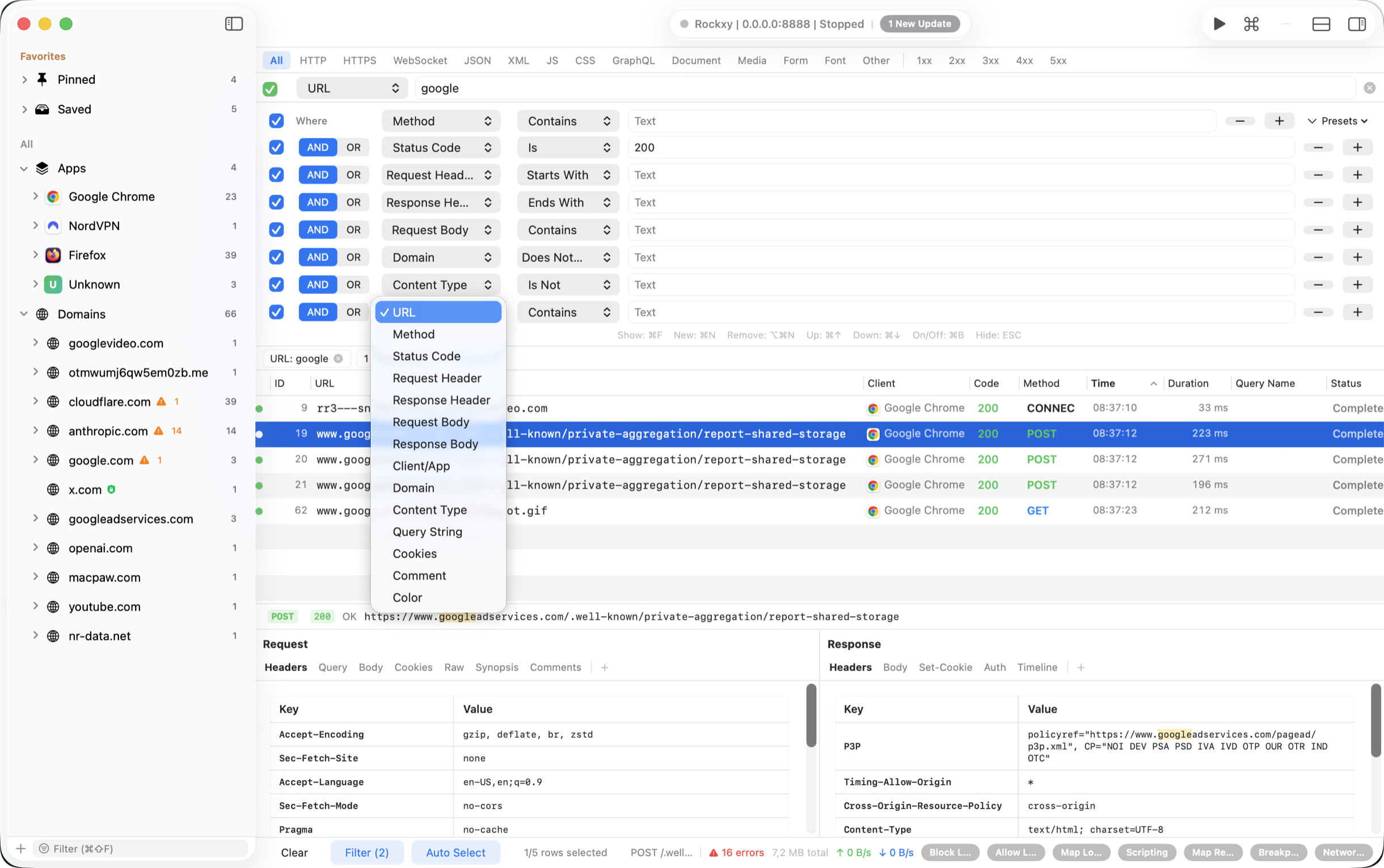
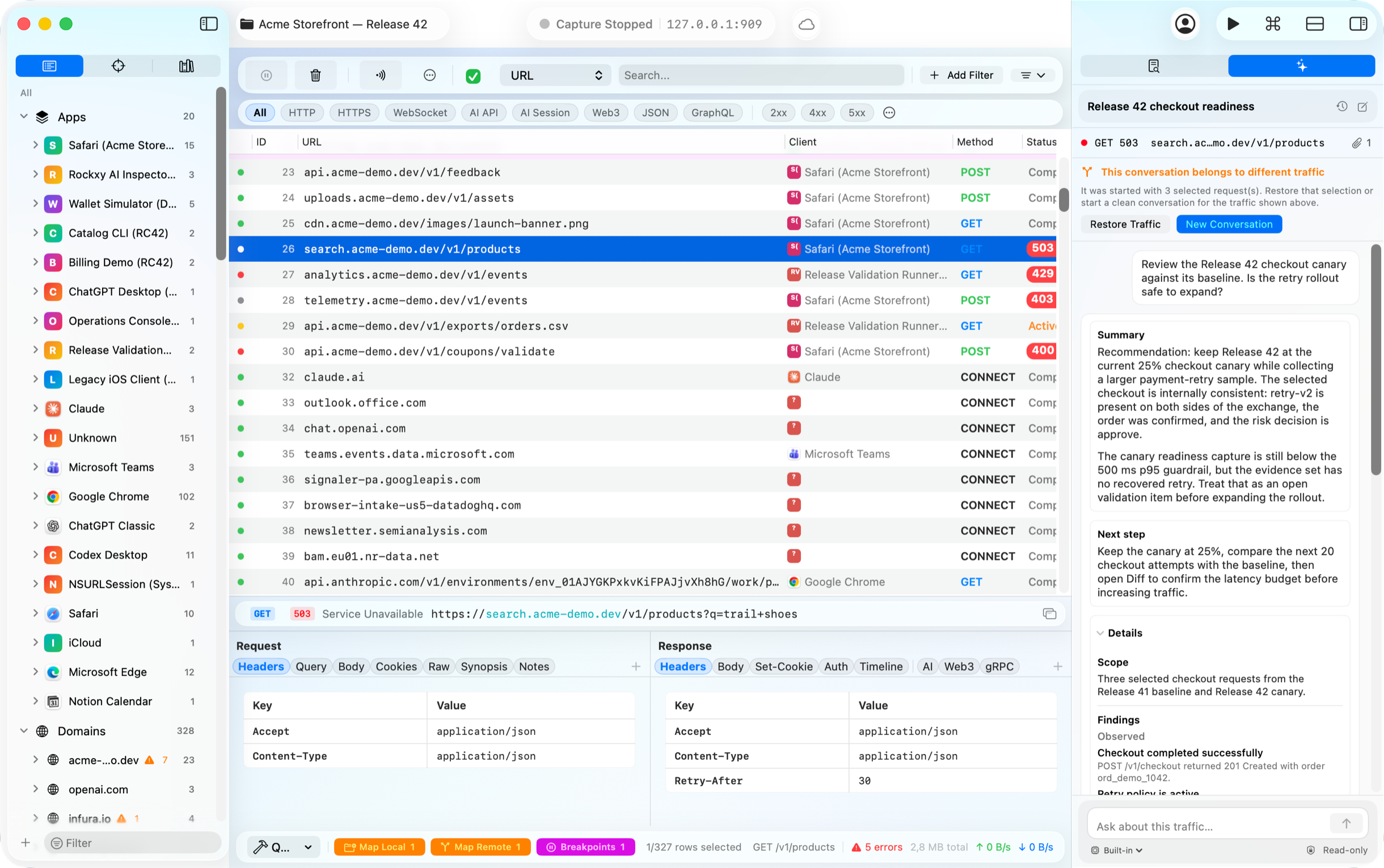
How to install Rockxy on a Mac
- Get OpenDMG. It is a free app store for open source Mac apps. Download OpenDMG.
- Search for Rockxy and press Get. OpenDMG downloads version 0.42.0 from RockxyApp's own GitHub release.
- Open it. The download is checked against its SHA-256 fingerprint and its signature is checked on your Mac before it lands in Applications.
Updates to Rockxy show up in OpenDMG and install with one button. No account is needed.
Prefer to do it by hand? The developer's file is on GitHub: Rockxy-0.42.0-63.dmg (43 MB).
What is new in Rockxy 0.42.0
> **Distribution notice:** The attached DMG is the official Rockxy binary distribution under the Rockxy Binary EULA. It runs in Community mode without a purchase and can unlock Pro. The public tag identifies the separate AGPL Community source edition for this product version; it is not represented as the complete build source for the DMG.

# Rockxy 0.42.0 (build 63)

## Added

- Choose when Rockxy changes this Mac’s system proxy: automatically when capture starts, only when you use the proxy control, or never. Apps and devices configured to connect directly to Rockxy can still be captured.
- Follow Babylon requests by runtime session, trace, and step. The Runtime Events view and traffic search make it easier to move between an event and its network requests.
- Inspect gRPC-Web status and metadata, GraphQL response errors, model API stream timing, and x402 payment-flow details alongside the captured request and response.
- Start scripts from six templates, and see when a script last ran and whether it succeeded.
- Use two new Assistant investigations to examine slow requests and find related traffic from captured evidence.
- Choose a local network address in Developer Setup when this Mac has multiple active networks, and check certificate trust for booted simulators.

## Changed
…