RetroDrop for Mac
Transfers photos and videos from old iPhones to your Mac over Wi-Fi.
By samir-bujawdeh. Free and open source, MIT licence.
RetroDrop at a glance
- Version
- 1.1.0
- Released
- 18 October 2026
- Download size
- 1.6 MB
- Works on
- Apple silicon and Intel
- Licence
- MIT
- Category
- Internet and Networking
- Developer
- samir-bujawdeh
- GitHub stars
- 4
About RetroDrop
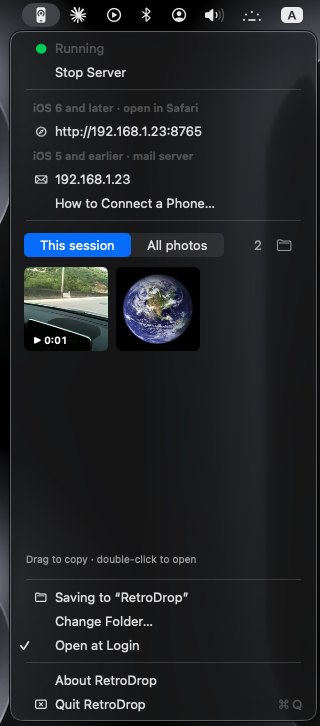
Get photos and videos off old iPhones over Wi-Fi, straight into your Mac. Free menu bar app.
Screenshots
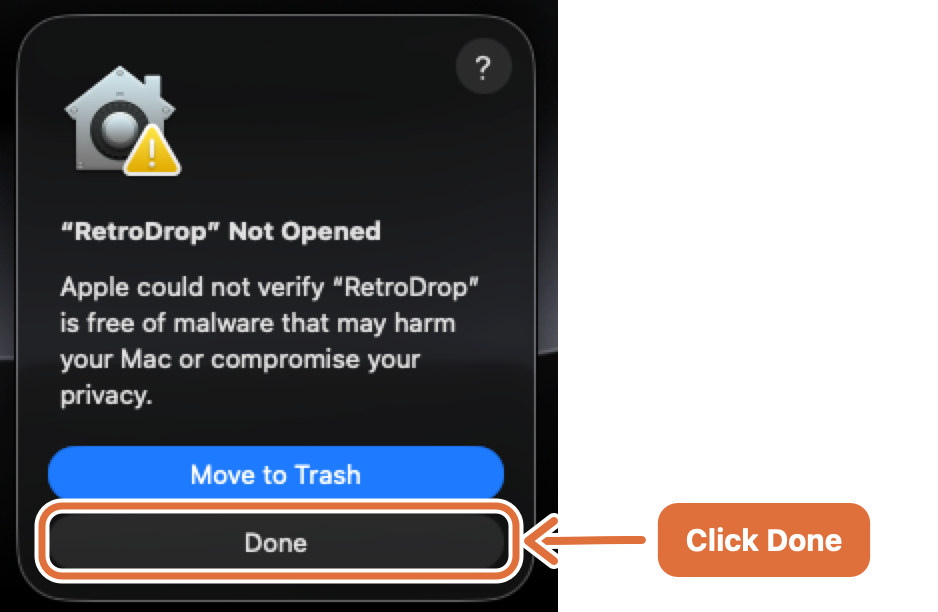
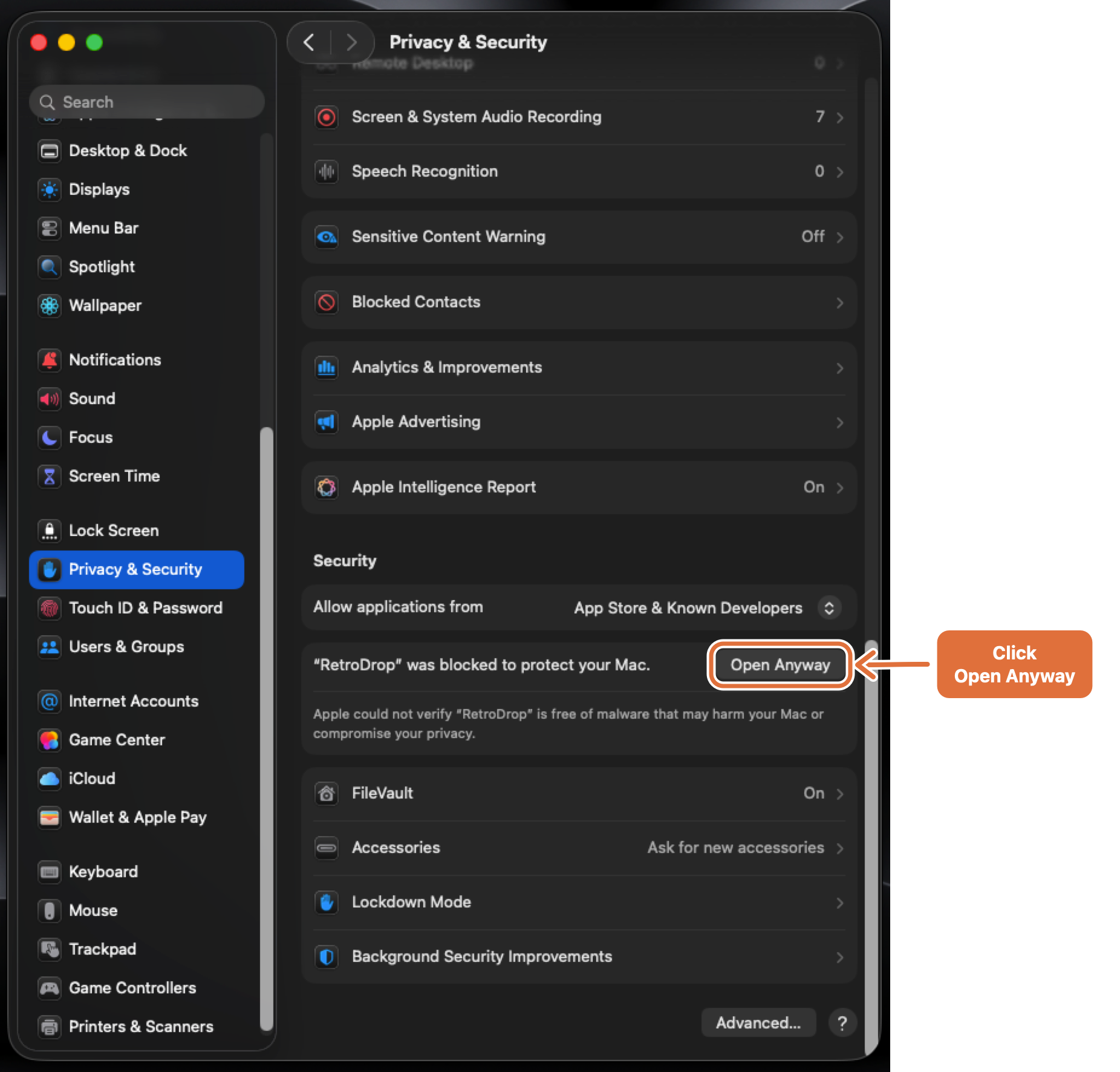
How to install RetroDrop on a Mac
- Get OpenDMG. It is a free app store for open source Mac apps. Download OpenDMG.
- Search for RetroDrop and press Get. OpenDMG downloads version 1.1.0 from samir-bujawdeh's own GitHub release.
- Open it. The download is checked against its SHA-256 fingerprint and its signature is checked on your Mac before it lands in Applications.
Updates to RetroDrop show up in OpenDMG and install with one button. No account is needed.
Prefer to do it by hand? The developer's file is on GitHub: RetroDrop.dmg (1.6 MB).
What is new in RetroDrop 1.1.0
**New: send photos and videos from your Mac to your old iPhone.**

RetroDrop now works both ways. Choose **Send Photos & Videos to Phone…** in the menu, drop files onto the menu bar icon, or right-click a file in Finder → **Open With → RetroDrop**.

Modern Mac files are converted so old iPhones can open them:
- **Photos** (HEIC, PNG, RAW…) → sharp JPEGs, kept just under 2 megapixels. That's the most that old Mobile Safari shows at full resolution.
- **Videos** (4K, HEVC, 60 fps…) → 640×480 H.264 with AAC audio, which plays on any old iPhone. Portrait videos are turned upright.

On the phone, pick them up:
- **In Safari:** open RetroDrop's address, then under **From your Mac** tap a photo. It opens full size. Touch and hold it → **Save Image**. (Safari can play videos but not save them.)
- **In Mail:** with the RetroDrop mail account, each photo or video arrives as its own email.

Tested on an iPhone with iOS 6 (Safari). Saving *videos* from Mail on iOS 5 hasn't been confirmed yet. If you try it, please [let us know](https://github.com/samir-bujawdeh/RetroDrop/issues).

### Download
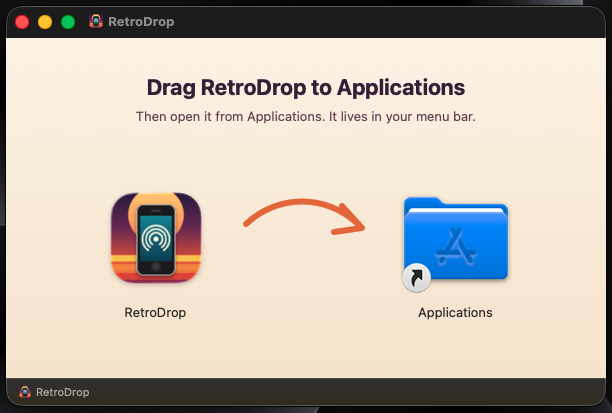
**[Download RetroDrop.dmg](https://github.com/samir-bujawdeh/RetroDrop/releases/latest/download/RetroDrop.dmg)**, open it, and drag RetroDrop onto Applications. Already installed? Quit RetroDrop and replace it. Your settings are kept.
…