Nexonic Download Manager for Mac
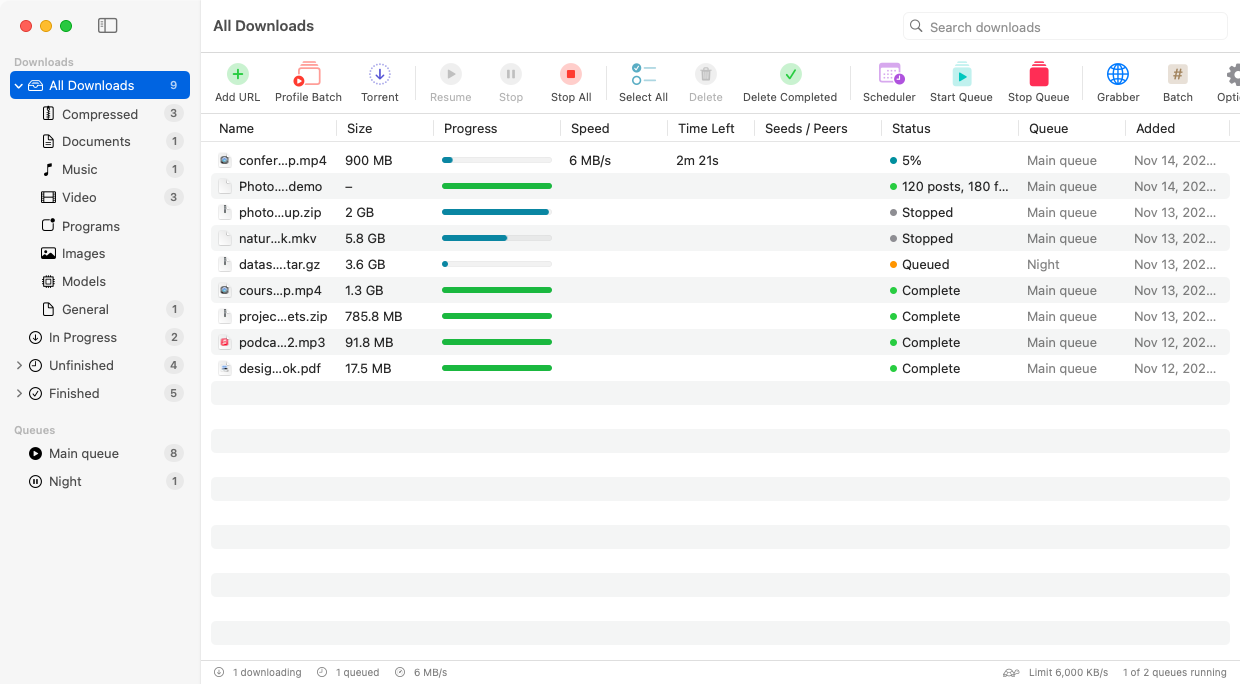
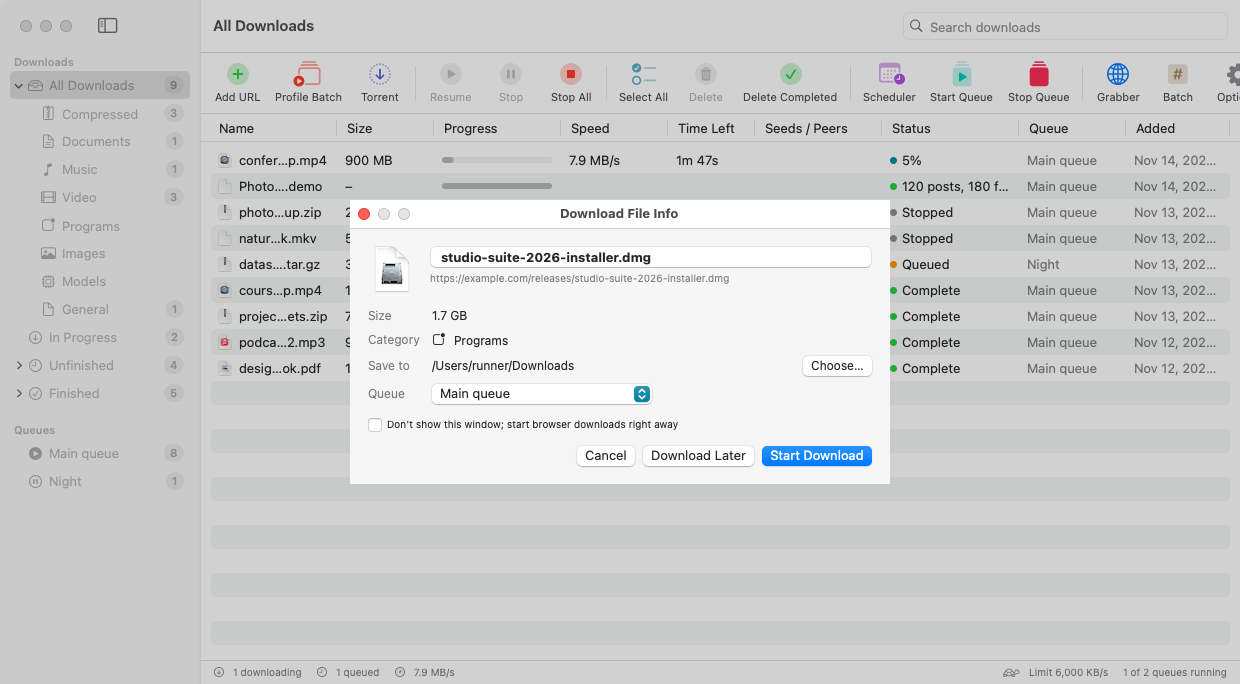
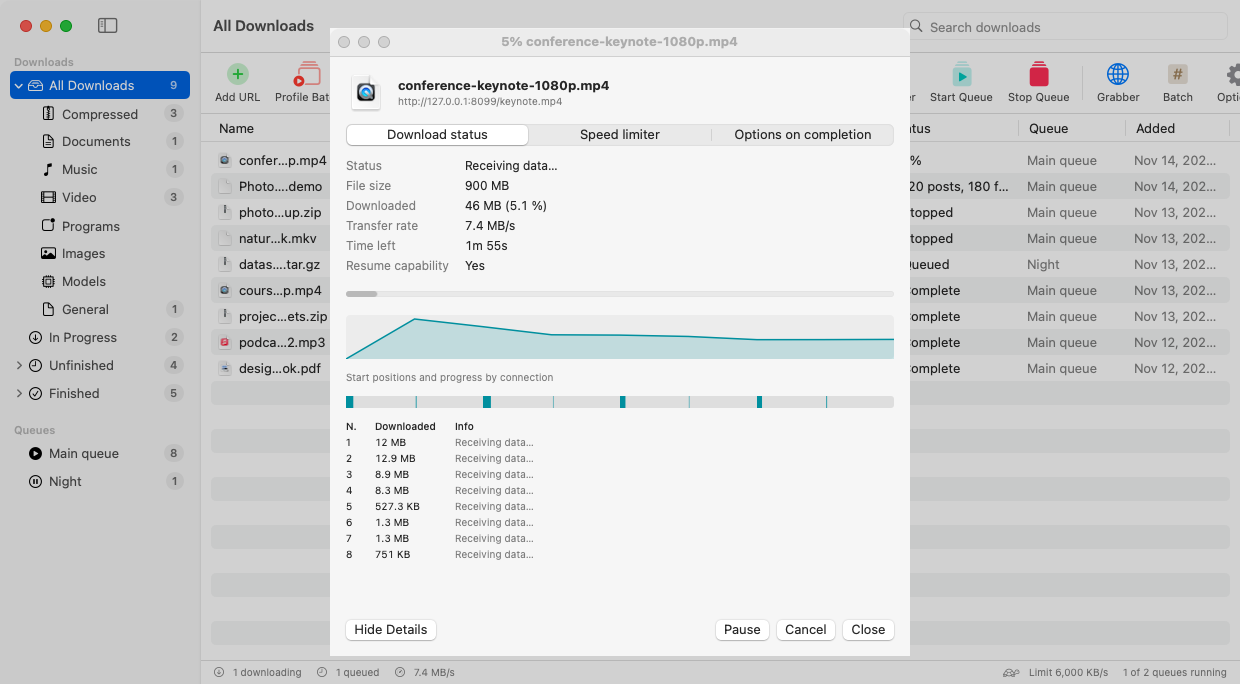
IDM-style download manager with up to 32 connections per file, pause/resume, scheduler, browser integration and per-download progress windows.
By Shahrukhalid. Free and open source, MIT licence.
Nexonic Download Manager at a glance
- Version
- 0.31.2
- Released
- 13 November 2026
- Download size
- 25 MB
- Works on
- Apple silicon and Intel
- Licence
- MIT
- Category
- Internet and Networking
- Developer
- Shahrukhalid
- GitHub stars
- 126
About Nexonic Download Manager
Free, open-source download manager for macOS, Windows, Linux and Android. Download every photo and video of an Instagram, TikTok or Facebook profile in one click. Up to 256 connections, resume, scheduler, BitTorrent and browser extensions.
Screenshots
How to install Nexonic Download Manager on a Mac
- Get OpenDMG. It is a free app store for open source Mac apps. Download OpenDMG.
- Search for Nexonic Download Manager and press Get. OpenDMG downloads version 0.31.2 from Shahrukhalid's own GitHub release.
- Open it. The download is checked against its SHA-256 fingerprint and its signature is checked on your Mac before it lands in Applications.
Updates to Nexonic Download Manager show up in OpenDMG and install with one button. No account is needed.
Prefer to do it by hand? The developer's file is on GitHub: NexonicDownloadManager-Mac.dmg (25 MB).
What is new in Nexonic Download Manager 0.31.2
# Nexonic Download Manager 0.25.0

**Manage downloads from your phone, a server for NAS and Docker, image galleries and your own categories (Windows and Linux).** Options → Remote pairs a phone with a QR code (off by default); `nexonic-server` and the Docker image run without a window (docs/SERVER.md); Tasks → Download Images from Page; Options → Categories; Check Torrent Files Again; Help → Network Diagnostics; interface size; smaller Mac, Linux and Android downloads. Includes 0.24.0 (RSS feeds, more archive types, optional debrid).

**Mac, first launch:** macOS says it *could not verify* the app because it's free and not sold through Apple. Click **Done**, open **System Settings → Privacy & Security**, click **Open Anyway**, then **Open Anyway** again and enter your Mac password. Only once; updates installed with **Update Now** open without a warning. [Pictures of each step](https://github.com/Shahrukhalid/nexonic-download-manager#first-launch-on-mac)

**Windows:** if SmartScreen appears, click **More info → Run anyway**. [Code signing policy](https://github.com/Shahrukhalid/nexonic-download-manager/blob/main/docs/CODE-SIGNING.md)

**Android:** open `NexonicDownloadManager-Android.apk` on your phone and allow installing from your browser or Files app when asked. Older 32-bit phones: `NexonicDownloadManager-Android-32bit.apk`.
…