MC Download Manager for Mac
Fast macOS download manager that captures browser downloads and grabs videos from web pages.
By mstcvk. Free and open source, MIT licence.
MC Download Manager at a glance
- Version
- 1.4.1
- Released
- 17 October 2026
- Download size
- 104 MB
- Works on
- Apple silicon and Intel
- Licence
- MIT
- Category
- Internet and Networking
- Developer
- mstcvk
- GitHub stars
- 192
About MC Download Manager
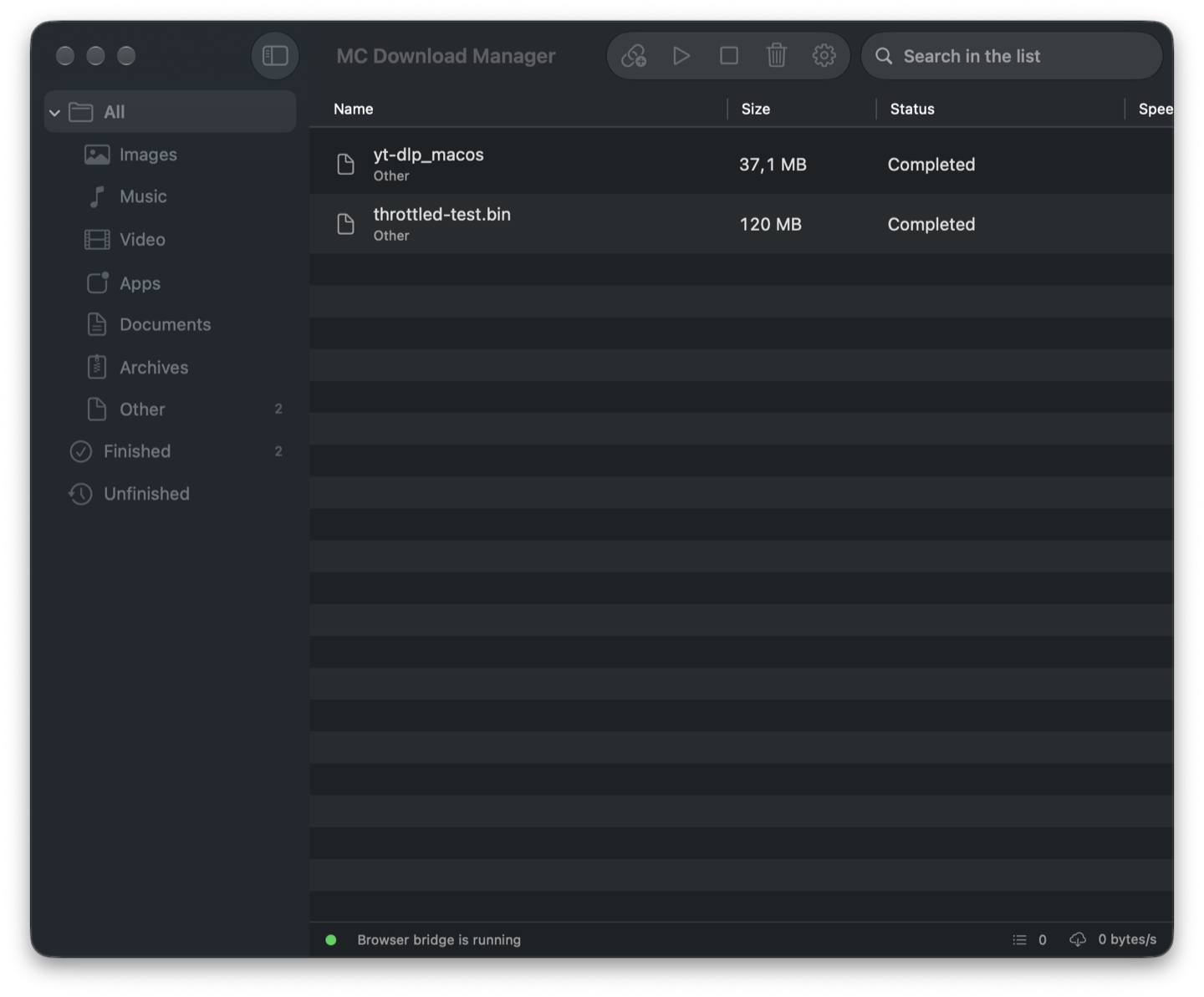
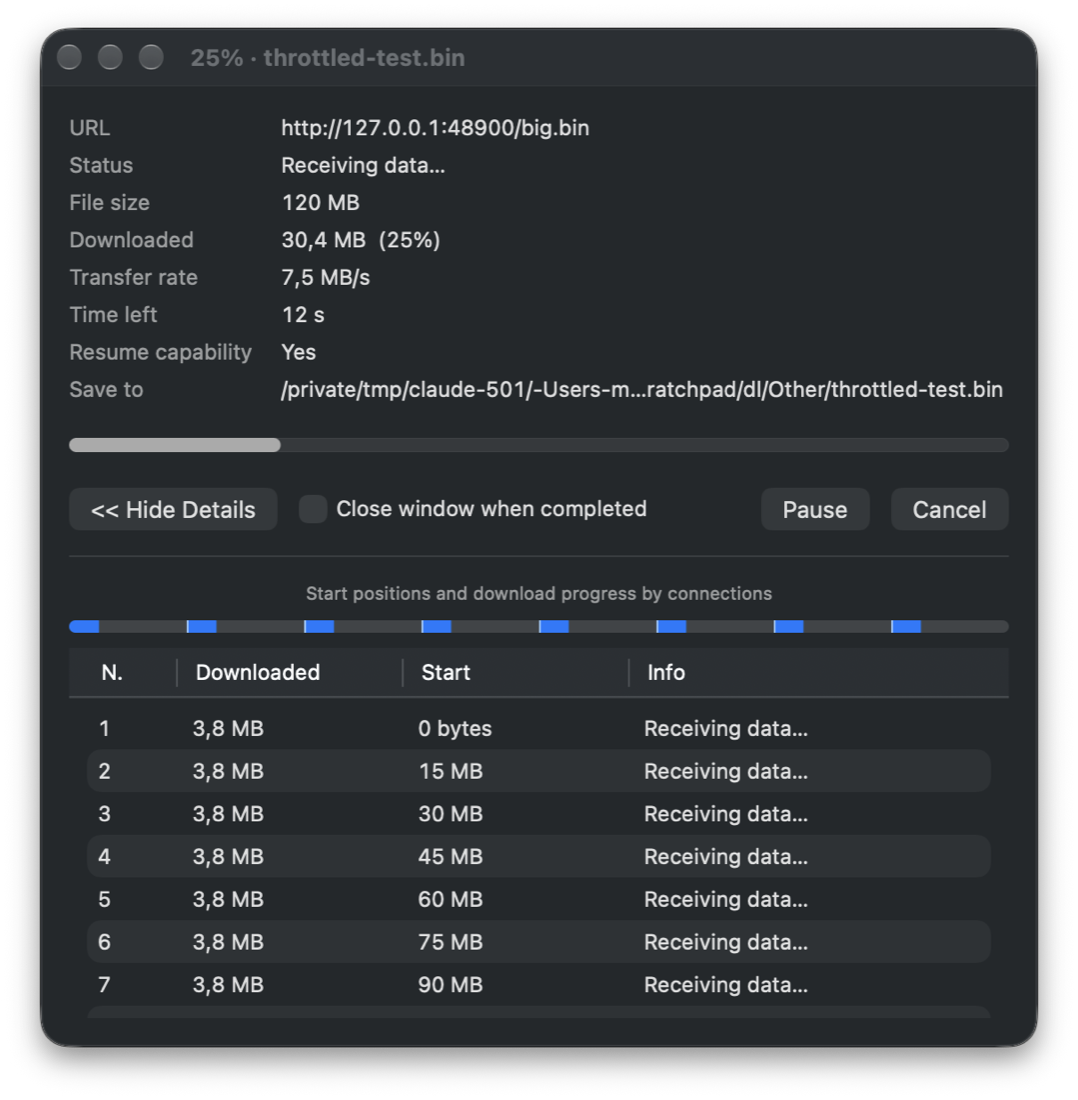
Open-source macOS download manager: parallel-connection downloads, Safari & Chrome integration, video downloads via yt-dlp. English & Turkish.
Screenshots
How to install MC Download Manager on a Mac
- Get OpenDMG. It is a free app store for open source Mac apps. Download OpenDMG.
- Search for MC Download Manager and press Get. OpenDMG downloads version 1.4.1 from mstcvk's own GitHub release.
- Open it. The download is checked against its SHA-256 fingerprint and its signature is checked on your Mac before it lands in Applications.
Updates to MC Download Manager show up in OpenDMG and install with one button. No account is needed.
Prefer to do it by hand? The developer's file is on GitHub: MC-Download-Manager-1.4.1.dmg (104 MB).
What is new in MC Download Manager 1.4.1
**Browser extensions stay up to date**

- After an app update, the extension folders of Chrome, Brave and Opera are refreshed when the app starts. From now on these extensions reload themselves with the new version when the app reports one; no reload click, no browser restart.
- If a browser keeps running an older extension (Firefox's signed add-on, or extensions from 1.4.0 and earlier), the app tells you and offers to open the extensions page or install the new Firefox add-on.
- *Settings ▸ Browser* and the setup wizard no longer show an outdated extension as installed: they show the running and the expected version and offer the update. The extension popup shows a notice with an **Update Now** button.

**Updating to 1.4.1**
- **Chrome / Brave / Opera:** extensions from 1.4.0 and earlier cannot update themselves yet. The app updates their folder and asks you to click the reload icon (↻) of MC Download Manager on the extensions page once; later updates are automatic.
- **Firefox:** Setup Wizard ▸ **Add to Firefox** (the app offers it when it sees the old add-on).
- **Safari:** updated together with the app.

**Install**: open the DMG and drag the app to Applications, or update from the app. Homebrew: `brew upgrade --cask mc-download-manager`.

---

### MC Download Manager 1.4.1 — Yenilikler

**Tarayıcı eklentileri artık güncel kalıyor**
…