
Harbor for Mac
Download manager for direct downloads, magnet links, and `.torrent` files.
By thsnkhn. Free and open source, GPL-3.0 licence.
Harbor at a glance
- Version
- 1.8.2
- Released
- 10 October 2026
- Download size
- 215 MB
- Works on
- Apple silicon and Intel
- Licence
- GPL-3.0
- Category
- Internet and Networking
- Developer
- thsnkhn
- GitHub stars
- 623
About Harbor
Beautiful native macOS download manager for direct links, magnets, and torrents.
Screenshots
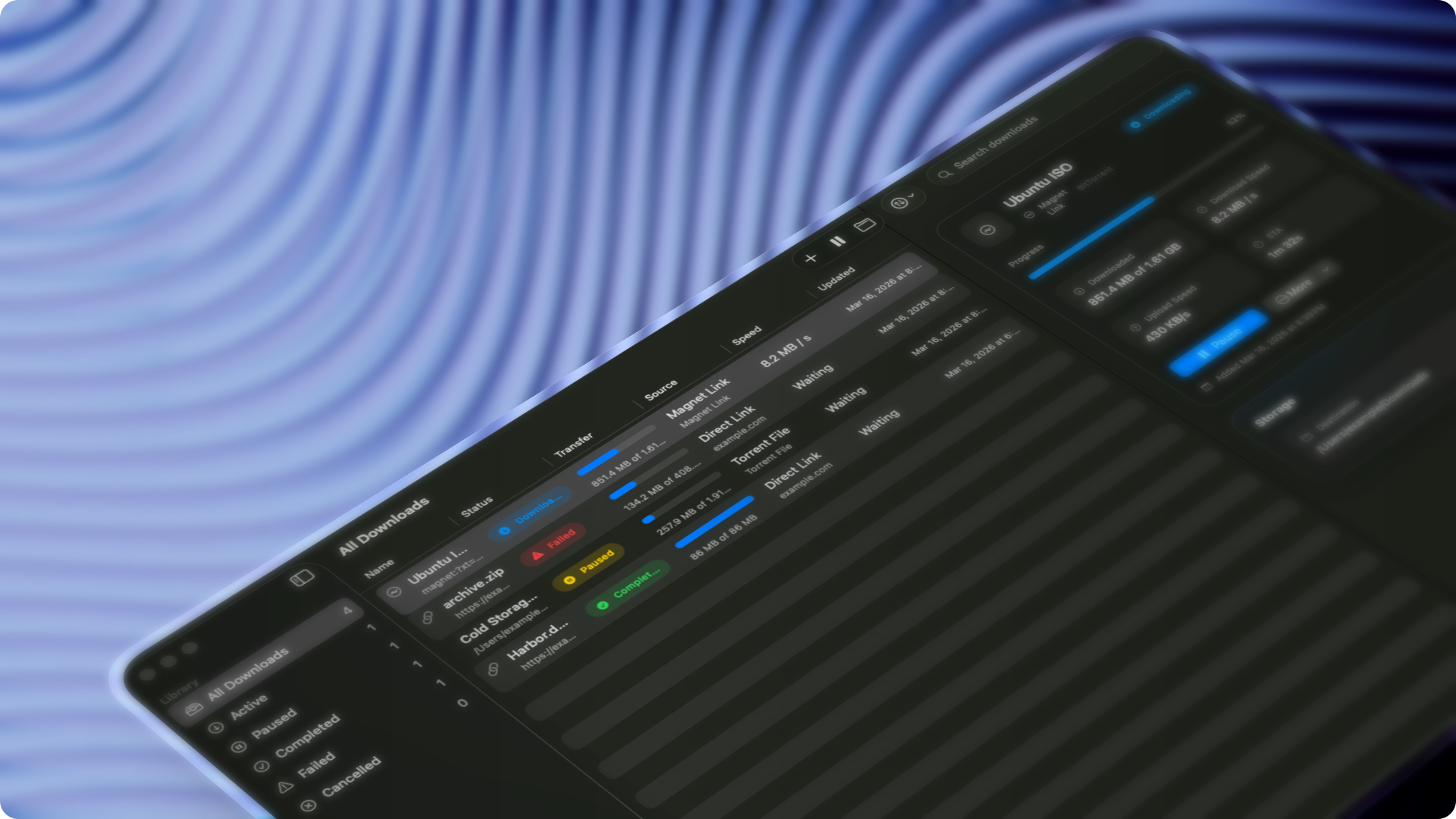
How to install Harbor on a Mac
- Get OpenDMG. It is a free app store for open source Mac apps. Download OpenDMG.
- Search for Harbor and press Get. OpenDMG downloads version 1.8.2 from thsnkhn's own GitHub release.
- Open it. The download is checked against its SHA-256 fingerprint and its signature is checked on your Mac before it lands in Applications.
Updates to Harbor show up in OpenDMG and install with one button. No account is needed.
Prefer to do it by hand? The developer's file is on GitHub: Harbor.dmg (215 MB).
What is new in Harbor 1.8.2
## New

- Set a preferred video format and maximum resolution in Media settings. Choose MP4 compatibility for H.264 video and AAC audio when available.
- Add multiple media URLs at once. Harbor checks each URL and keeps failed entries available for correction.
- Open Preview from the torrent inspector to change file selection after a download starts. Completed files show as downloaded.
- Use Clear Completed or Command-Delete to remove download entries and keep their files.
- Optionally remove completed entries automatically. Torrents remain listed until seeding stops.
- Set Harbor as the default app for torrent files and magnet links from Torrent settings.

## Improvements

- Show share-ratio controls when seeding after download is enabled. Torrents can still upload while downloading.
- Confirm moving download data to Trash with Return, or cancel with Escape.
- Improve browser download handling for sites that require a browser session.
- Reduce torrent network activity while Harbor is idle.
- Prevent completed torrents from returning after automatic cleanup by moving their matching source files from the watch folder to Trash.