
Detour for Mac
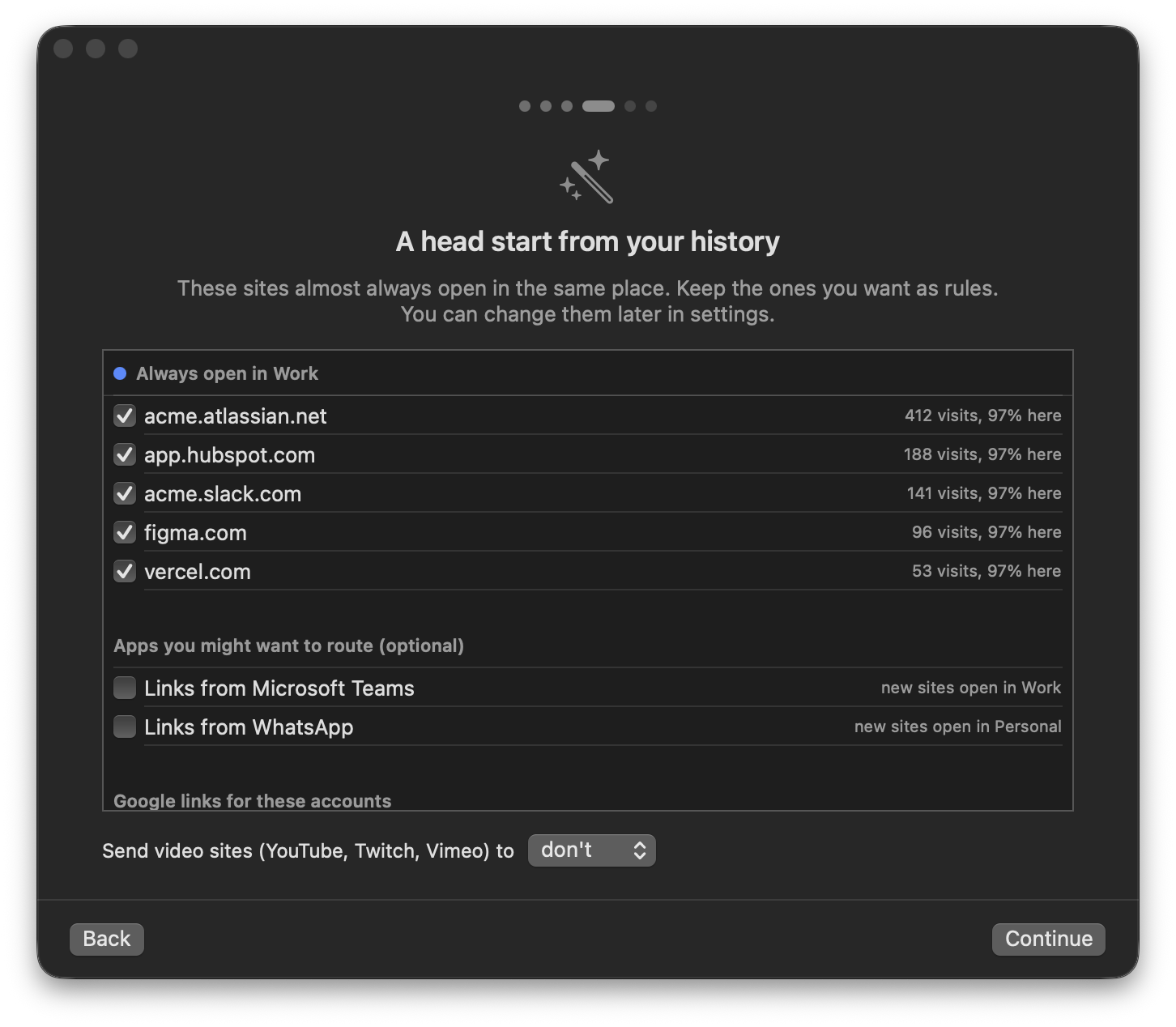
Automatically routes links to browsers by content, source app, history, and workspace.
By ten50-nl. Free and open source, MIT licence.
Detour at a glance
- Version
- 1.6.2
- Released
- 19 November 2026
- Download size
- 2.6 MB
- Works on
- Apple silicon and Intel
- Licence
- MIT
- Category
- Internet and Networking
- Developer
- ten50-nl
- GitHub stars
- 3
About Detour
Every link opens in the right browser and profile. Free and open source macOS app by ten50.
Screenshots

How to install Detour on a Mac
- Get OpenDMG. It is a free app store for open source Mac apps. Download OpenDMG.
- Search for Detour and press Get. OpenDMG downloads version 1.6.2 from ten50-nl's own GitHub release.
- Open it. The download is checked against its SHA-256 fingerprint and its signature is checked on your Mac before it lands in Applications.
Updates to Detour show up in OpenDMG and install with one button. No account is needed.
Prefer to do it by hand? The developer's file is on GitHub: Detour.dmg (2.6 MB).
What is new in Detour 1.6.2
- Claude in Chrome: when Claude doesn't know a connection yet, it first opens a tab in it and asks which window it appeared in, instead of making you guess between "Browser 1" and "Browser 2".