
ClipSync for Mac
Sync clipboard and transfer files between Android and Mac instantly and securely.
By WinShell-Bhanu. Free and open source, MIT licence.
ClipSync at a glance
- Version
- 3.0.0
- Released
- 18 August 2026
- Download size
- 13 MB
- Works on
- Apple silicon and Intel
- Licence
- MIT
- Category
- Internet and Networking
- Developer
- WinShell-Bhanu
- GitHub stars
- 188
About ClipSync
Secure clipboard sync and high-speed file transfer between Android and macOS, with cloud and local-network modes.
Screenshots
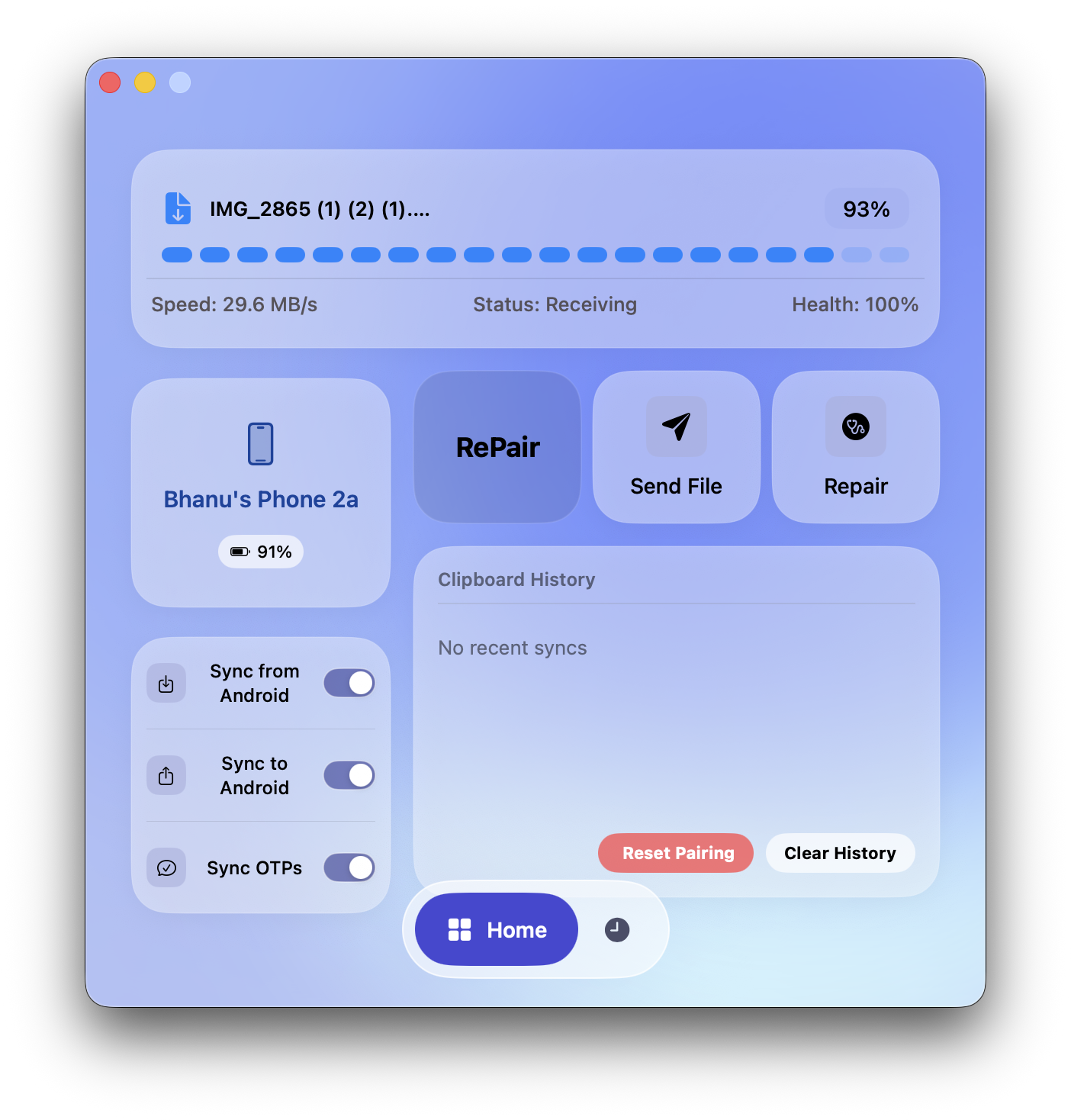
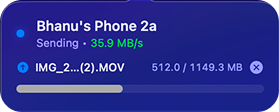

How to install ClipSync on a Mac
- Get OpenDMG. It is a free app store for open source Mac apps. Download OpenDMG.
- Search for ClipSync and press Get. OpenDMG downloads version 3.0.0 from WinShell-Bhanu's own GitHub release.
- Open it. The download is checked against its SHA-256 fingerprint and its signature is checked on your Mac before it lands in Applications.
Updates to ClipSync show up in OpenDMG and install with one button. No account is needed.
Prefer to do it by hand? The developer's file is on GitHub: ClipSync.v3.0.0.zip (13 MB).
What is new in ClipSync 3.0.0
# Changelog

## v3.0.0

### Major Features & Architectural Changes

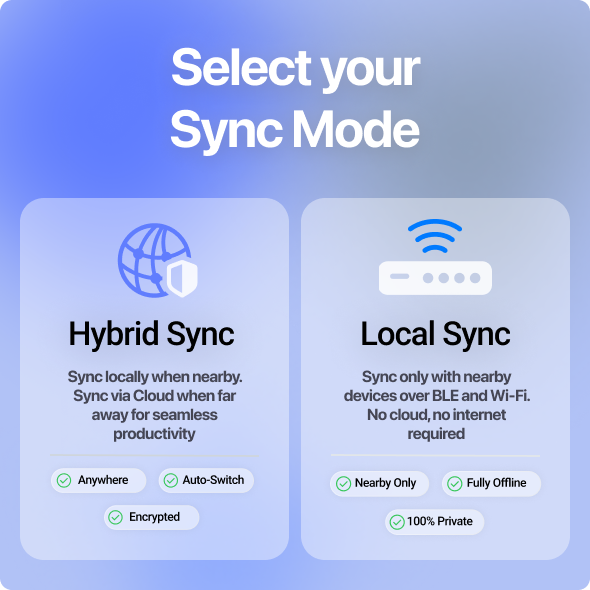
 * **Dual Sync Modes (Local LAN/BLE & Cloud)**: Shifted the core architecture to prioritize completely offline, local transfers using Bluetooth Low Energy (BLE) and Local Area Network (LAN). The legacy Firebase Cloud Sync has been fully retained as an alternative. Users can now seamlessly toggle between two distinct sync options tailored for maximum privacy/speed (Local) or global connectivity (Cloud).

 * **macOS**: Leverages Apple's `Network.framework` (`NWListener`) and Bonjour/mDNS (`NWListener.Service`) to advertise the sync service on the local subnet.
 * **Android**: Binds a raw `ServerSocket` to an ephemeral port via `AndroidTcpReceiver` for high-throughput TCP socket connections, handling large file transfers securely without external servers.

 * **Cross-Device Image Sync**: Upgraded the clipboard pipeline to seamlessly serialize and synchronize rich media (images) alongside standard text and OTPs.

 * **Dedicated Mode: Ultra-Fast Transfer**: Introduced a dedicated mode designed for maximum throughput. It bypasses JVM boundaries on Android and actively strips AES-256 encryption on macOS to match or exceed AirDrop speeds for large file transfers.
 > [!CAUTION]
…