
arowser for Mac
Borderless web windows for macOS that coding agents can program through a CLI.
By HankMonster. Free and open source, MIT licence.
arowser at a glance
- Version
- 0.1.0
- Released
- 13 November 2026
- Download size
- 771 KB
- Works on
- Apple silicon and Intel
- Licence
- MIT
- Category
- Internet and Networking
- Developer
- HankMonster
- GitHub stars
- 0
About arowser
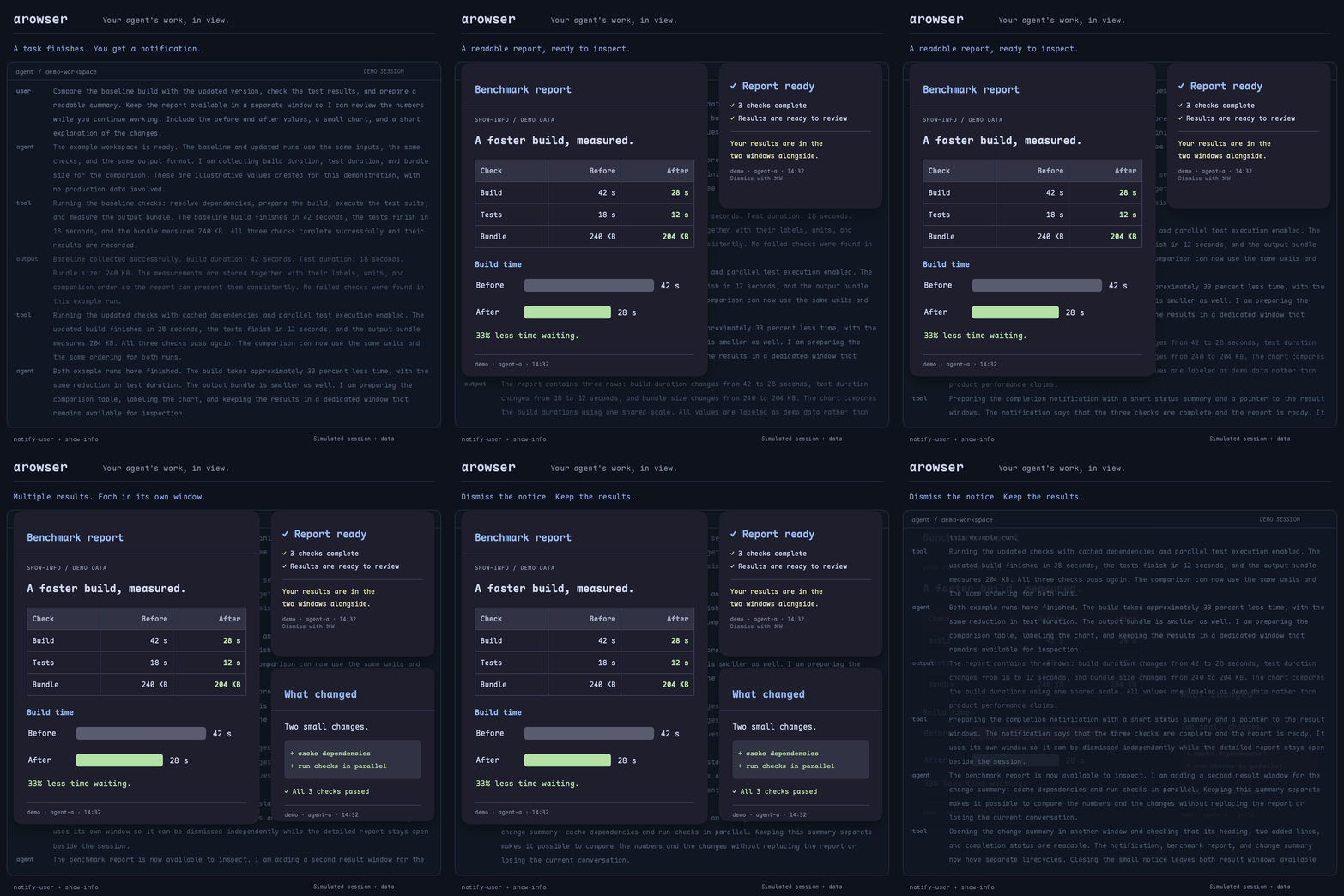
Agent-programmable web windows for macOS
Screenshots
How to install arowser on a Mac
- Get OpenDMG. It is a free app store for open source Mac apps. Download OpenDMG.
- Search for arowser and press Get. OpenDMG downloads version 0.1.0 from HankMonster's own GitHub release.
- Open it. The download is checked against its SHA-256 fingerprint and its signature is checked on your Mac before it lands in Applications.
Updates to arowser show up in OpenDMG and install with one button. No account is needed.
Prefer to do it by hand? The developer's file is on GitHub: arowser-0.1.0.zip (771 KB).
What is new in arowser 0.1.0
Initial release. Agent-programmable web windows for macOS: id-addressed borderless windows, multi-agent owner isolation, per-profile login jars with a cookie mirror surviving cold restarts, built-in localhost static server, session restore, window history, global hotkeys. UI follows the system language (English default, Simplified Chinese included). Ships with three agent skills under skills/.

Install via Homebrew: brew tap HankMonster/arowser && brew install --cask HankMonster/arowser/arowser