AndroidFileSync for Mac
Transfer files between Mac and Android over USB or Wi-Fi, with no cloud account required.
By Santosh7017. Free and open source, GPL-3.0 licence.
AndroidFileSync at a glance
- Version
- 2.3.2
- Released
- 16 August 2026
- Download size
- 14 MB
- Works on
- Apple silicon and Intel
- Licence
- GPL-3.0
- Category
- Internet and Networking
- Developer
- Santosh7017
- GitHub stars
- 229
About AndroidFileSync
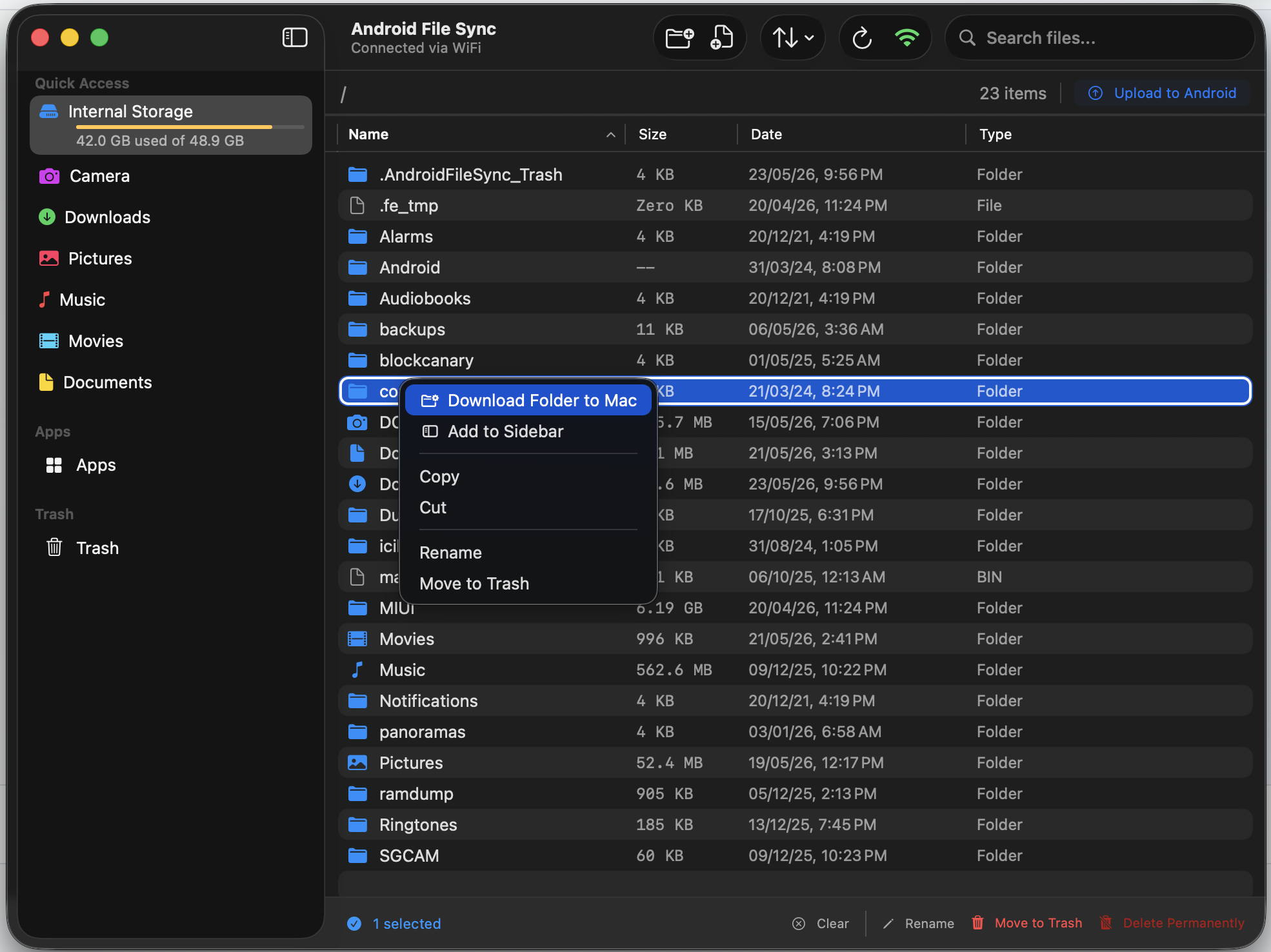
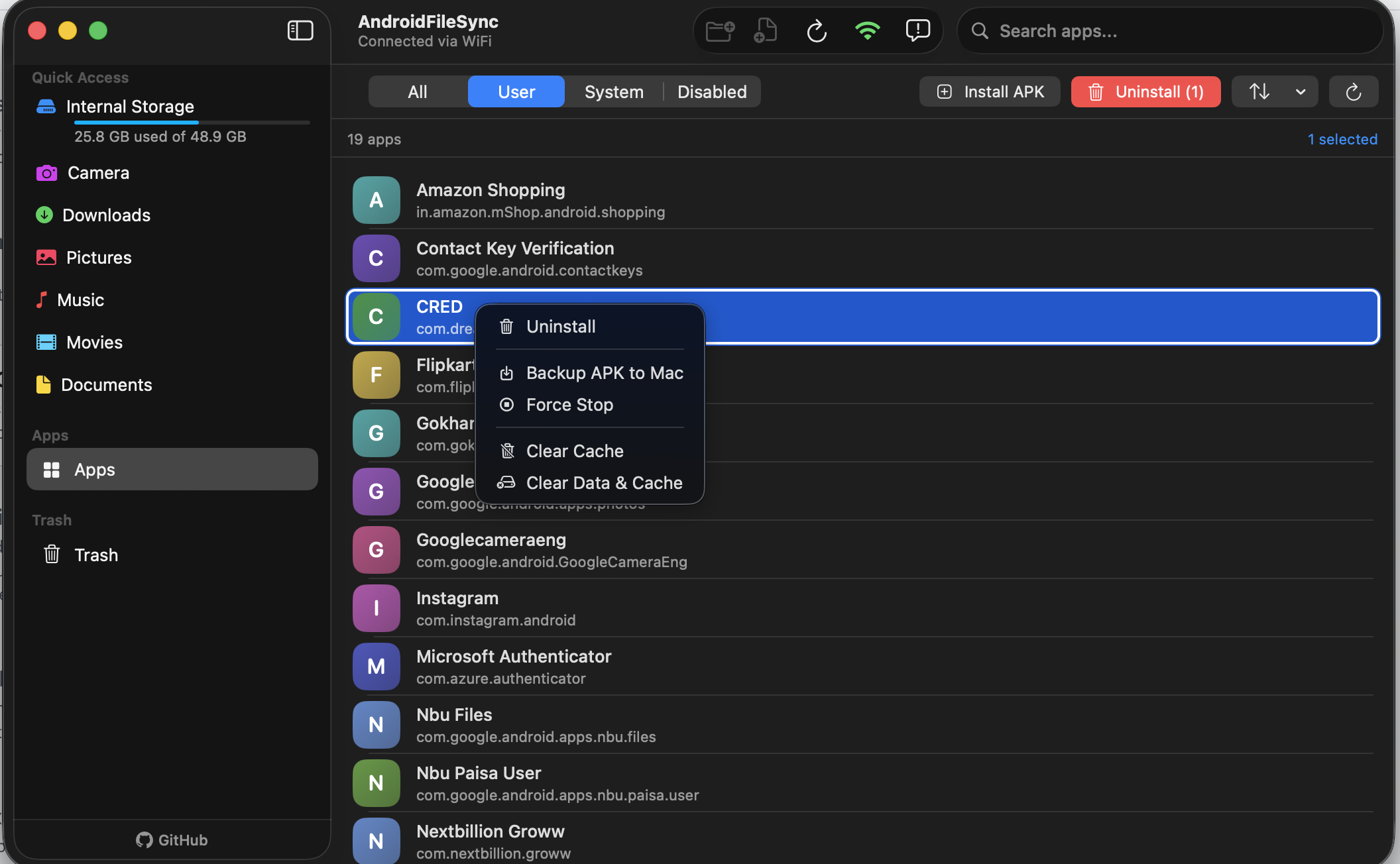
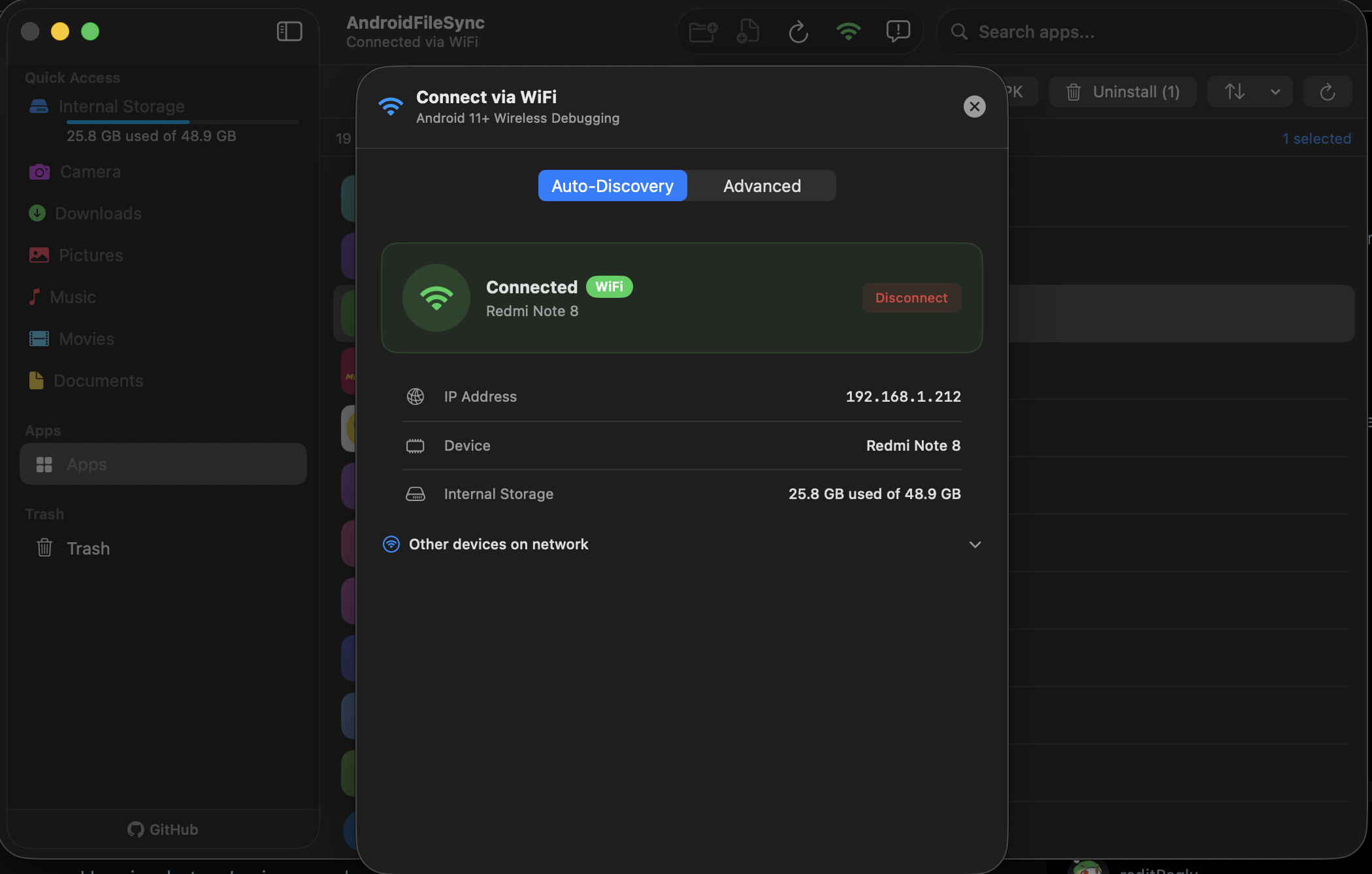
AndroidFileSync: A free, native macOS app to transfer files between your Mac and Android phone — over USB or WiFi.
Screenshots
How to install AndroidFileSync on a Mac
- Get OpenDMG. It is a free app store for open source Mac apps. Download OpenDMG.
- Search for AndroidFileSync and press Get. OpenDMG downloads version 2.3.2 from Santosh7017's own GitHub release.
- Open it. The download is checked against its SHA-256 fingerprint and its signature is checked on your Mac before it lands in Applications.
Updates to AndroidFileSync show up in OpenDMG and install with one button. No account is needed.
Prefer to do it by hand? The developer's file is on GitHub: AndroidFileSync.dmg (14 MB).
What is new in AndroidFileSync 2.3.2
## 🚀 Android File Sync v2.3.2

### What's New

* 📷 **Instant QR Code Pairing**: Pair your Android device wirelessly in seconds! Just scan the on-screen QR code directly from your phone’s Wireless Debugging settings—no manual IP or 6-digit codes required.
* ⚡ **Smart Bandwidth & Batch Operations**: Introduced automatic transfer bandwidth management alongside batched file deletions and restorations for faster, smoother, and more reliable file transfers.
* 🛡️ **Enhanced Connection Stability**: Hardened background keep-alive and reconnection logic to prevent unexpected drops over Wi-Fi and USB connections.

---

## 📦 Installation & Update via Homebrew

### First-Time Installation:
If installing for the first time, run the following commands in Terminal (including the `brew trust` command now required by Homebrew 6.0+ to authorize third-party taps):
```bash
# 1. Tap the repository
brew tap santosh7017/androidfilesync

# 2. Trust the tap to allow cask evaluation (Homebrew 6.0+ requirement)
brew trust santosh7017/androidfilesync

# 3. Install the app cask
brew install --cask androidfilesync
```

### Upgrading to v2.3.2:
If you already have it installed, update Homebrew and upgrade the cask by running:
```bash
brew update && brew upgrade --cask androidfilesync
```